美国
 Best Seller
 Label Printers
 All PDAs
 All Tablets
 All Thermal Labels
 Printer Accessories

PROOF 01 /VOICE TO STICKER


 United States
You are currently viewing:
United States
Items in your shopping cart will be removed when you change country

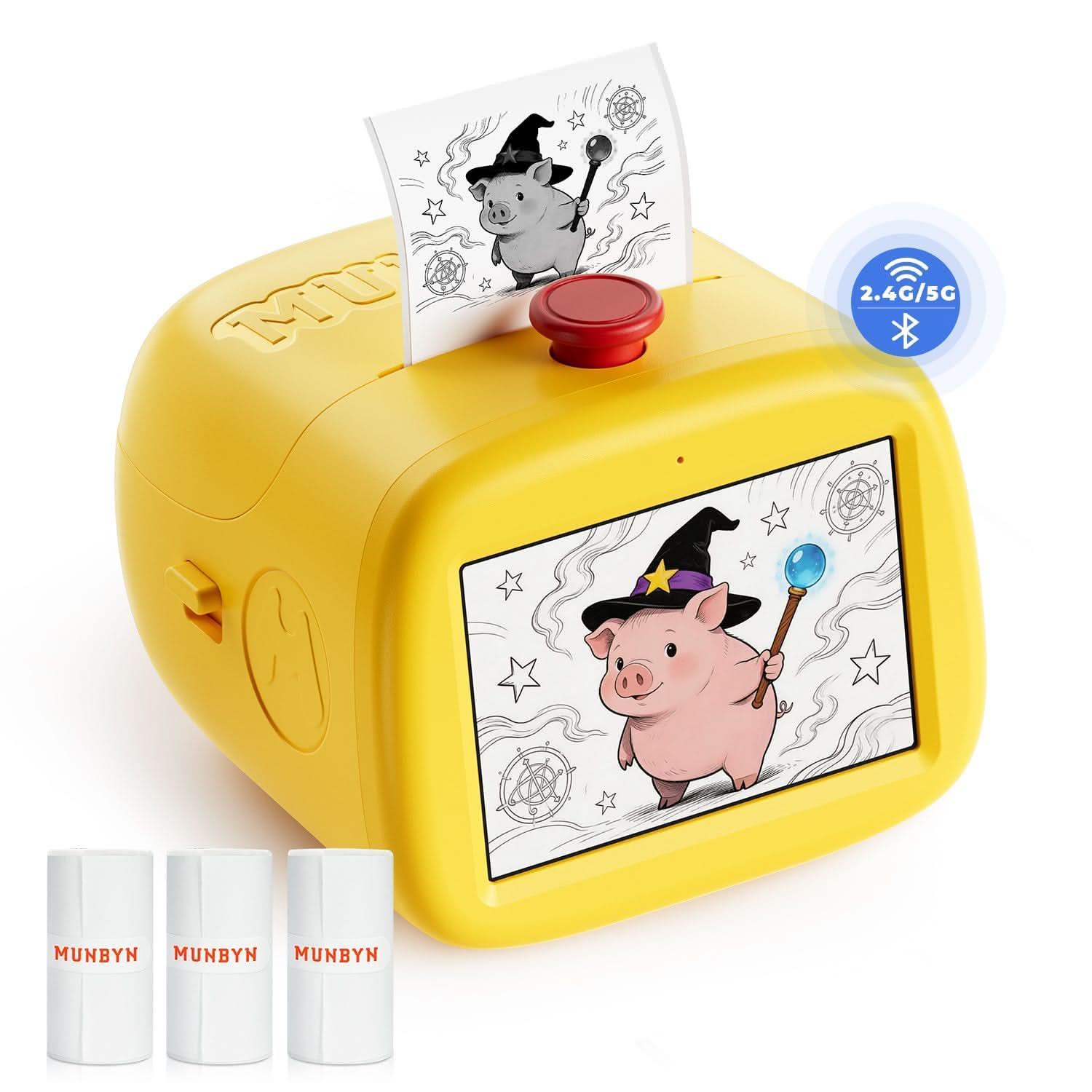
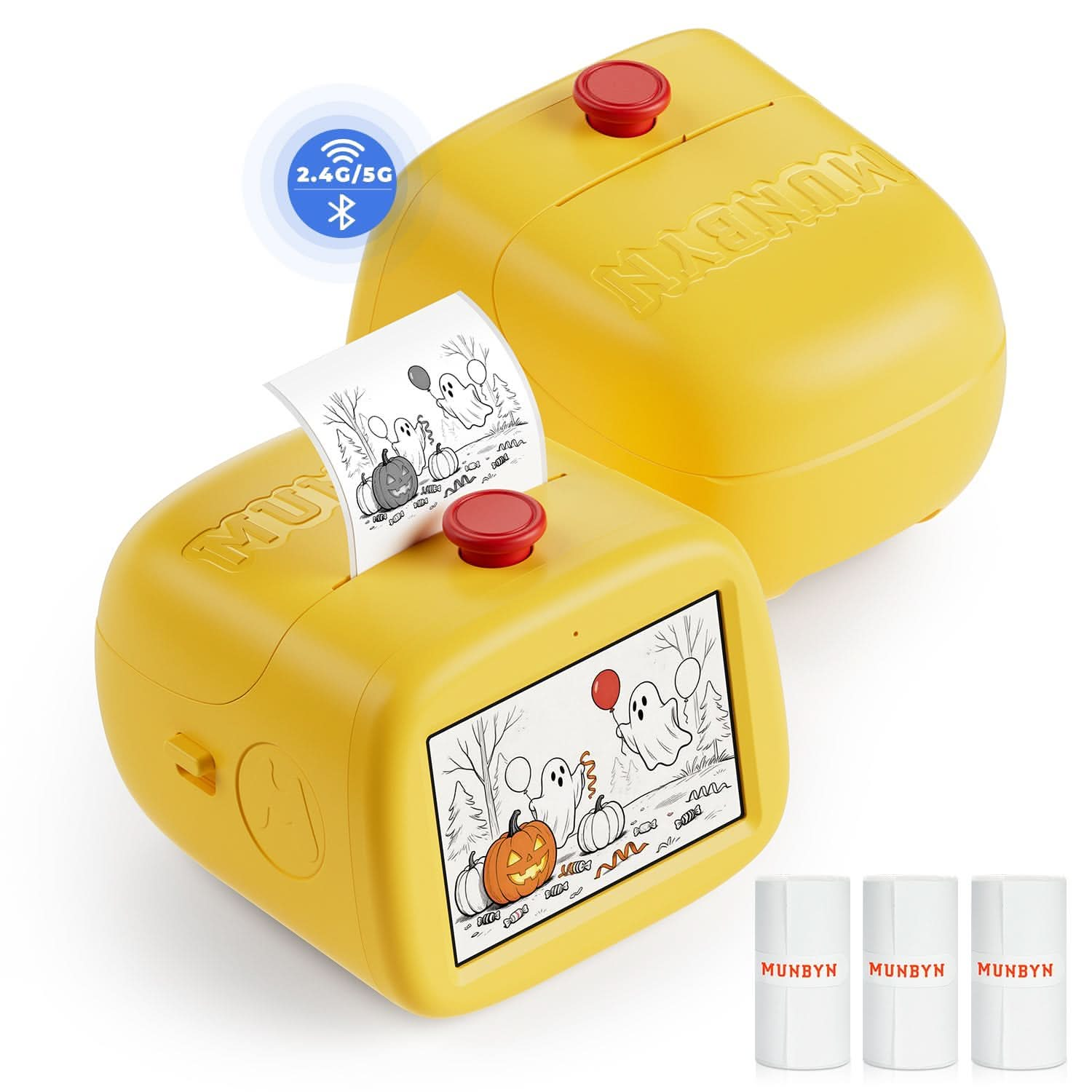


Product highlights
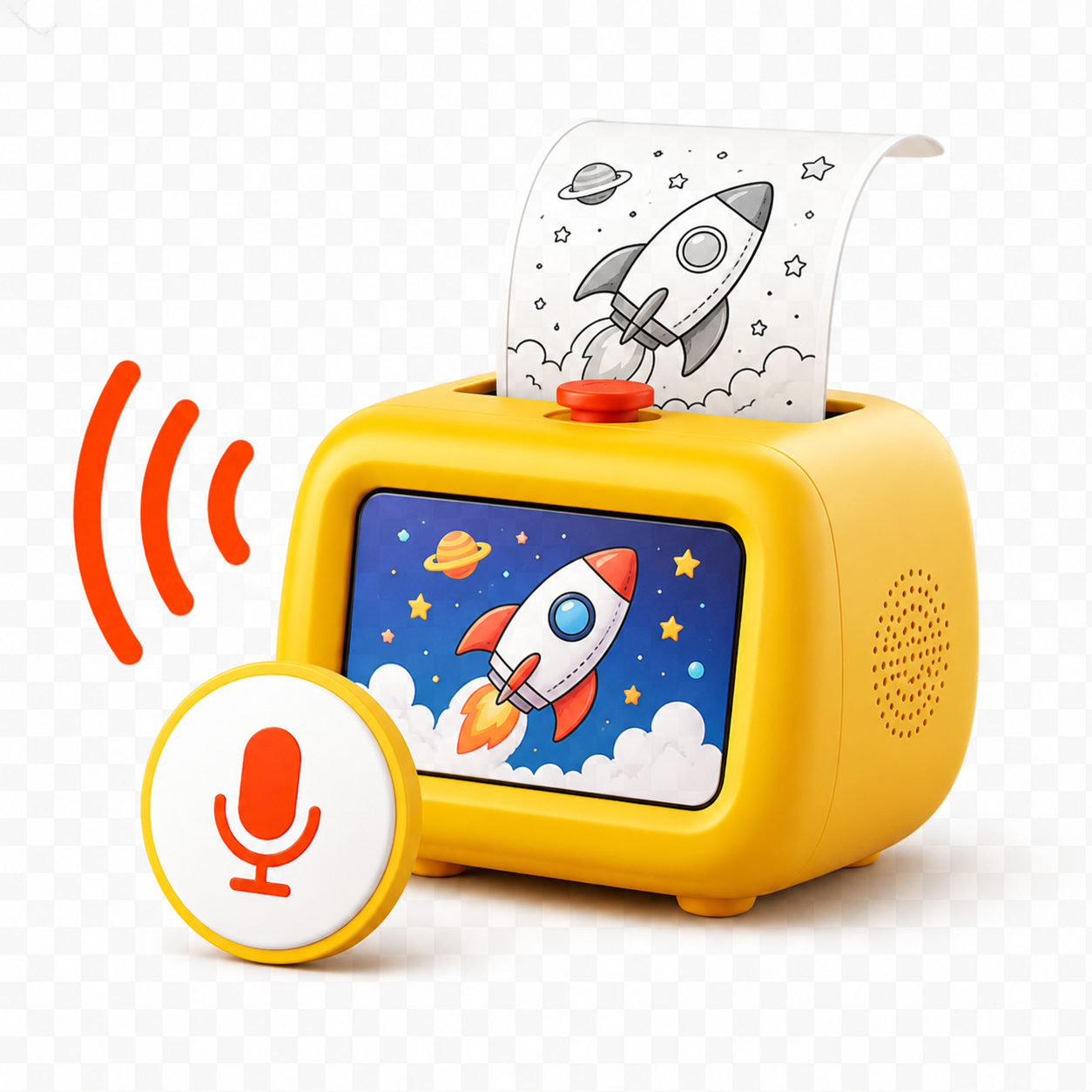
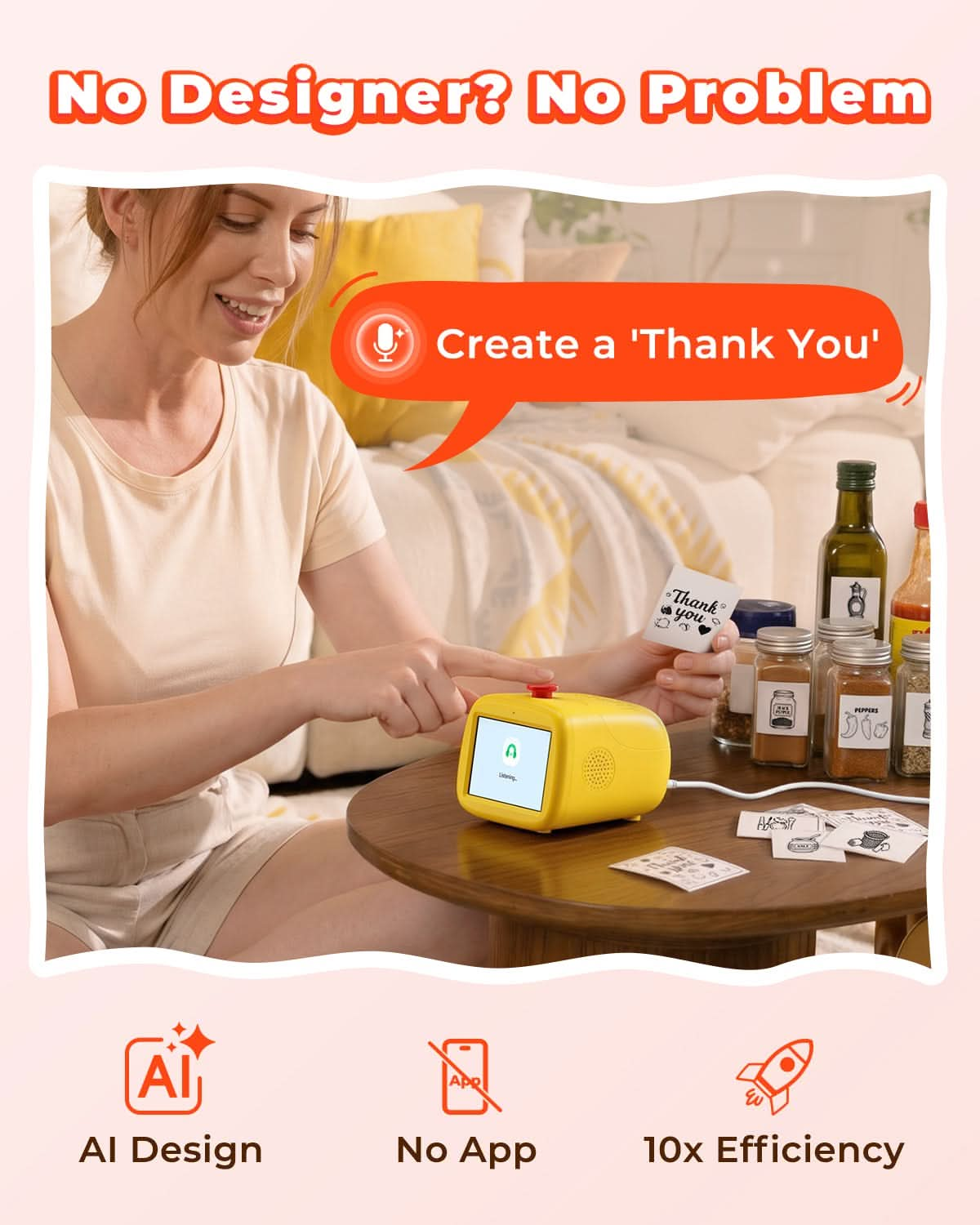
Just say it. It prints instantly.
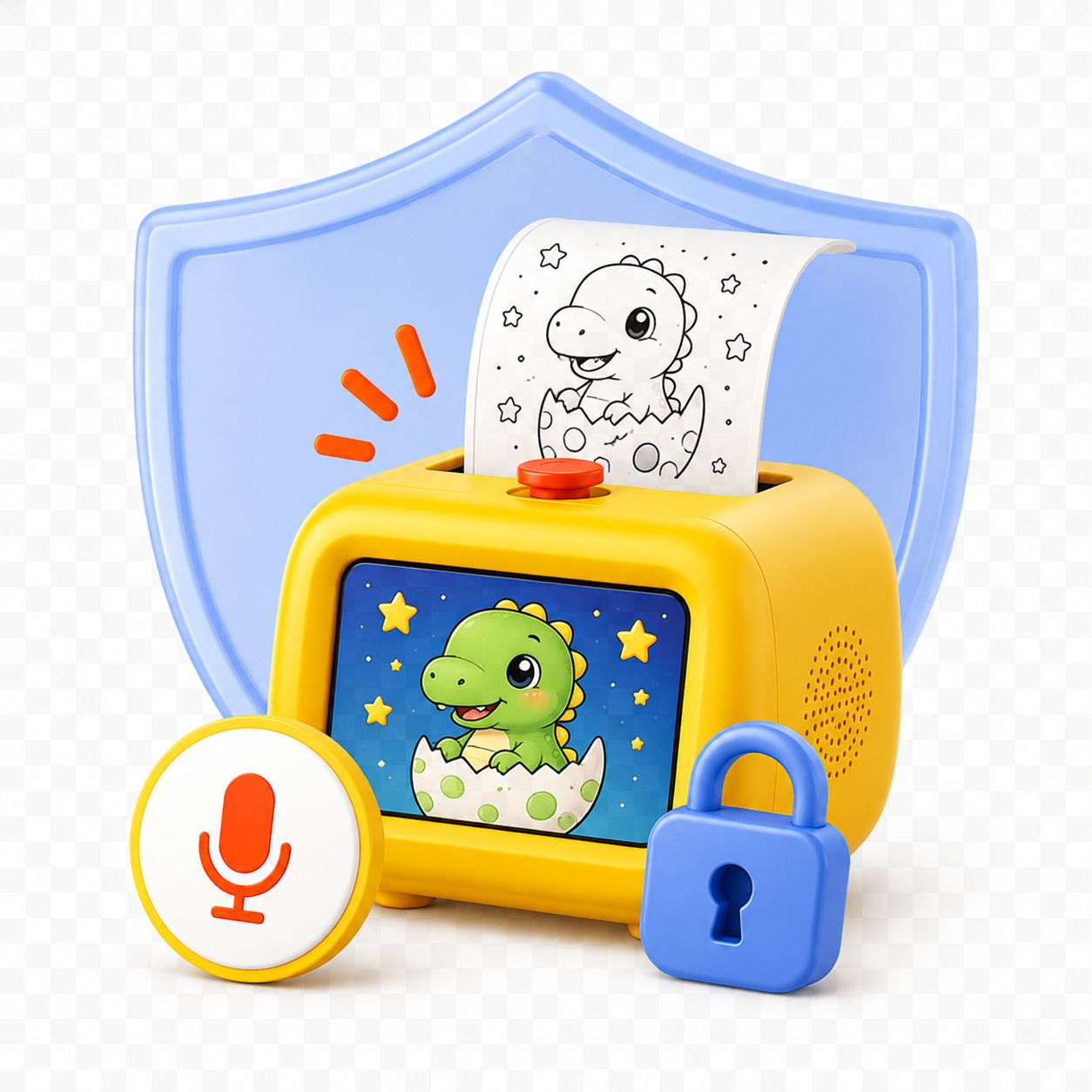
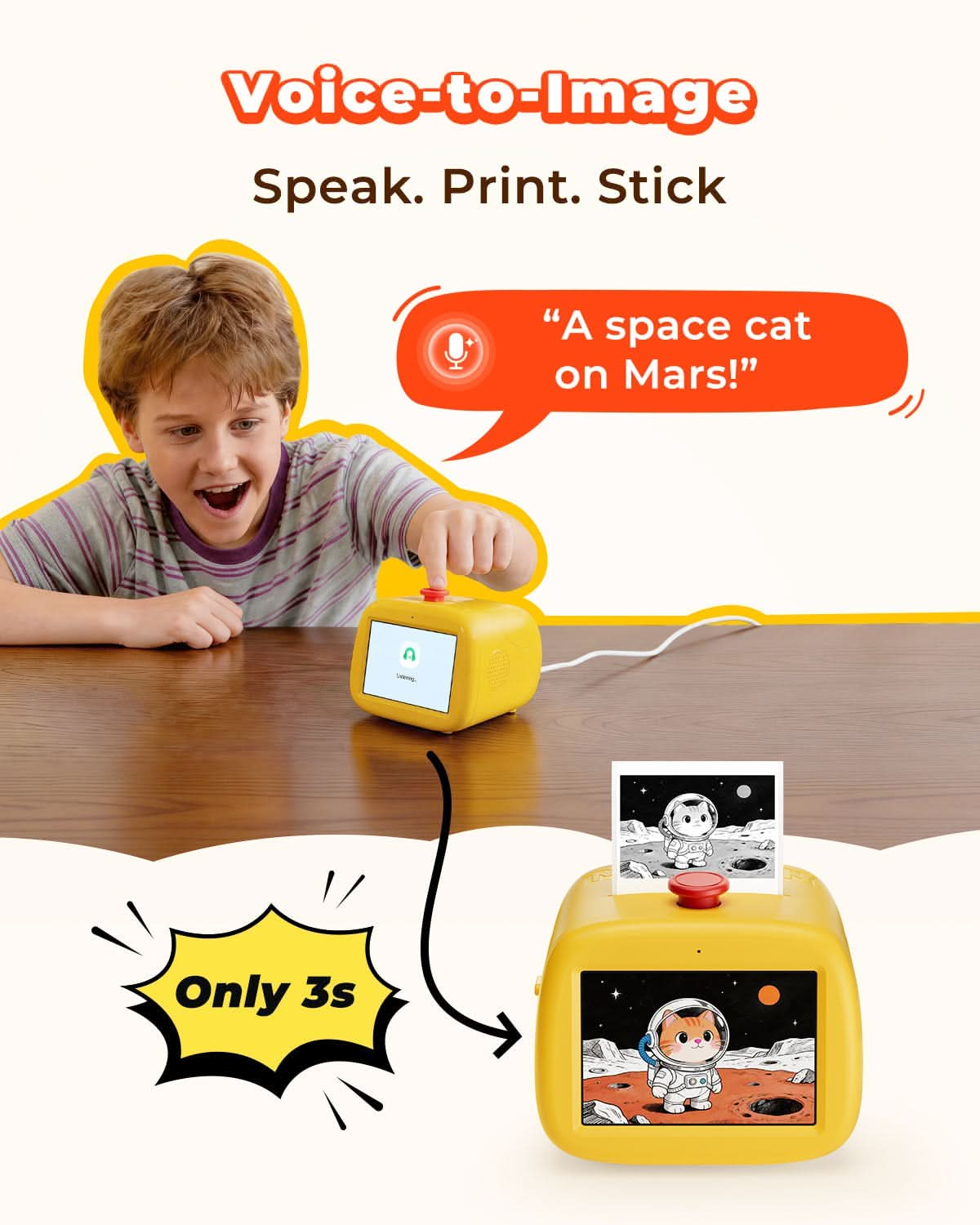
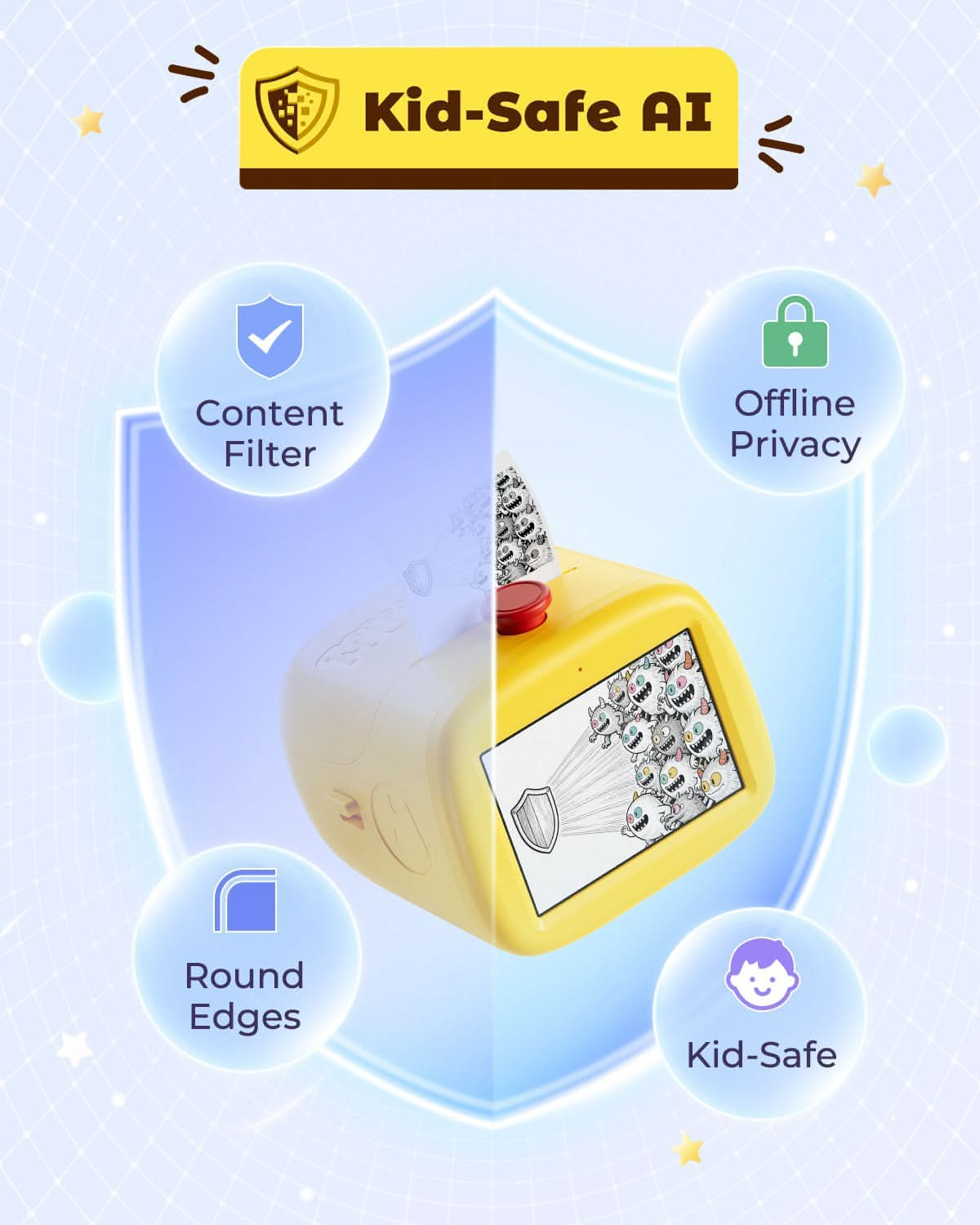
No background listening. AI starts only when you press.
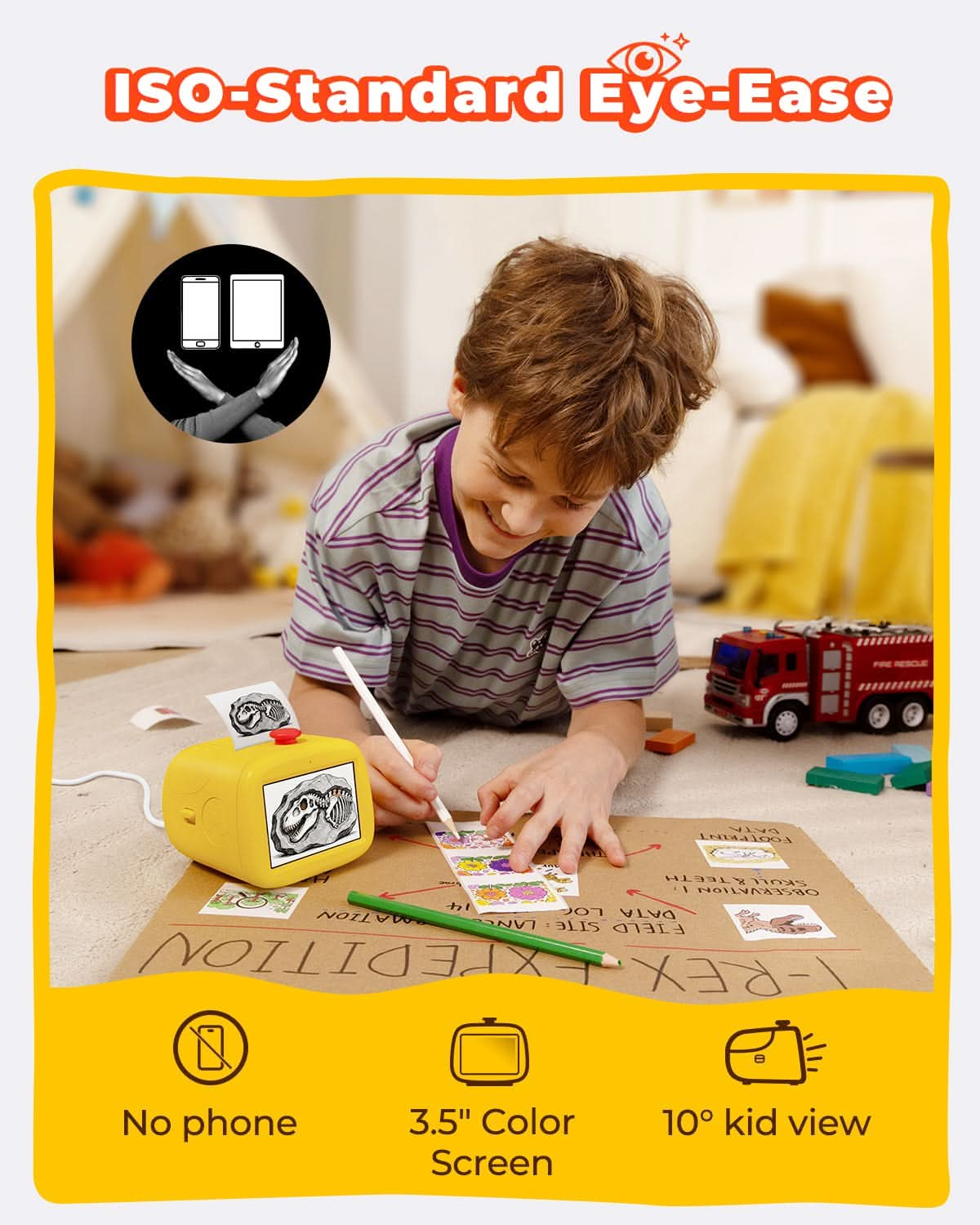
No phone needed. No screen distraction.
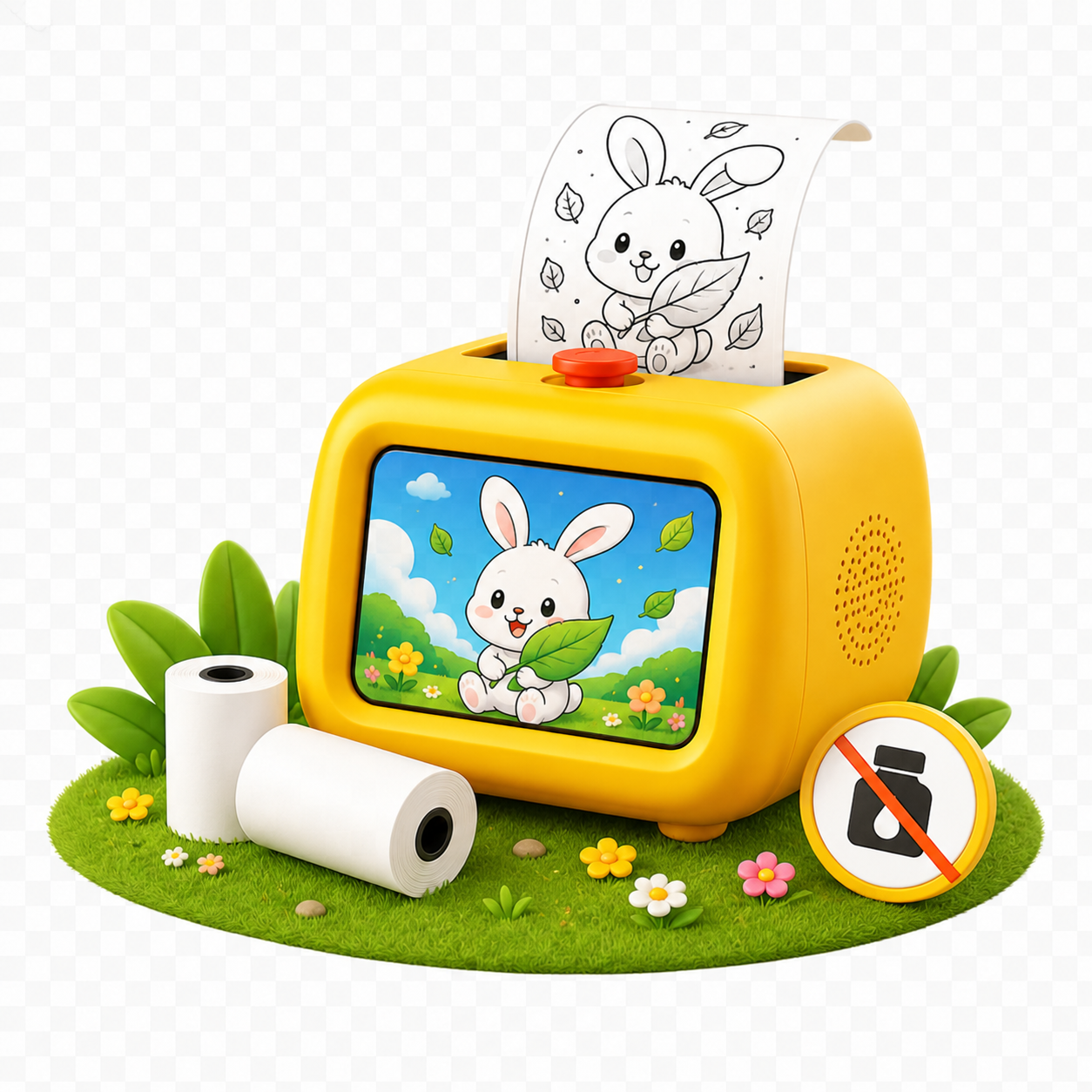
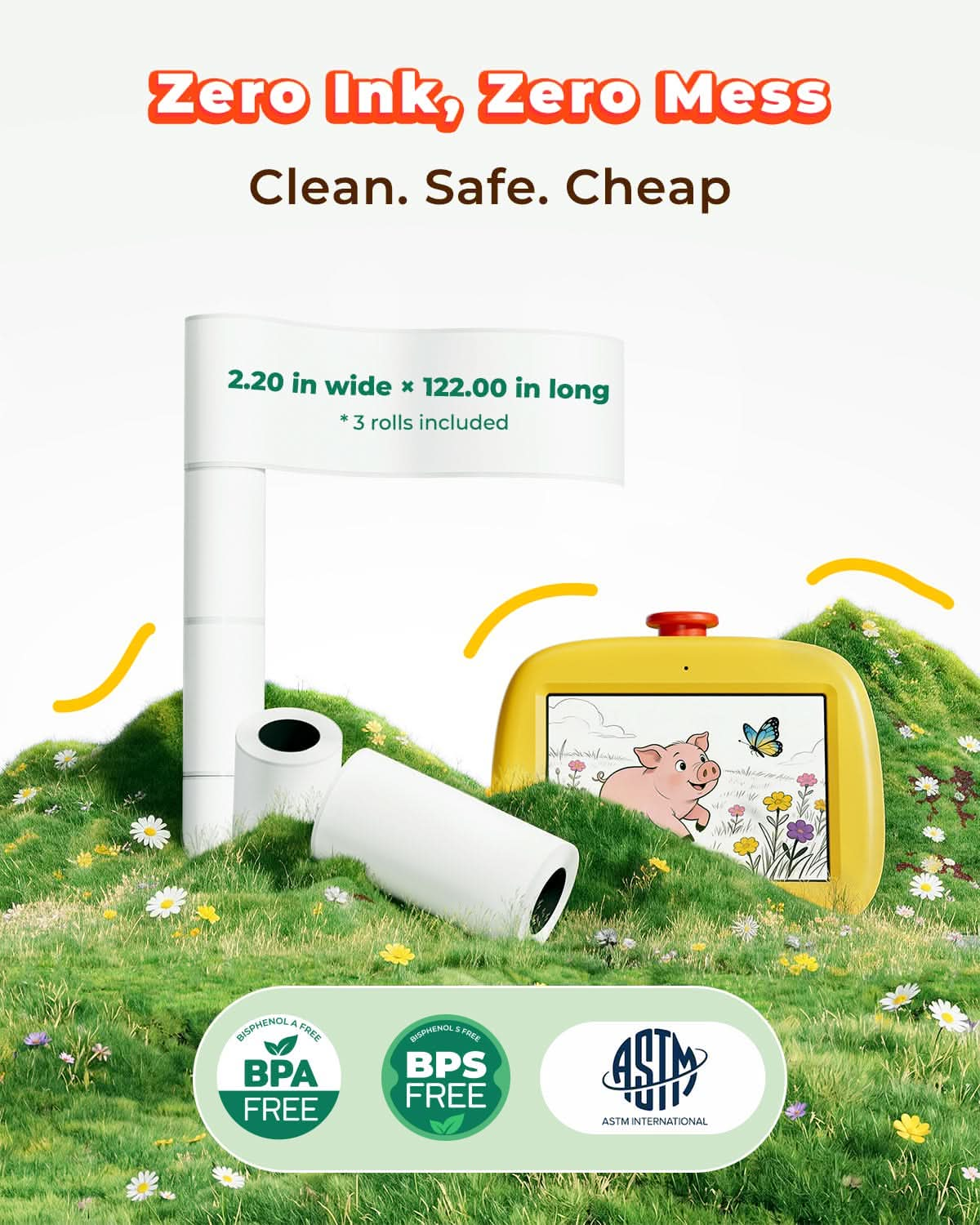
BPA-free thermal paper. No ink, no mess.
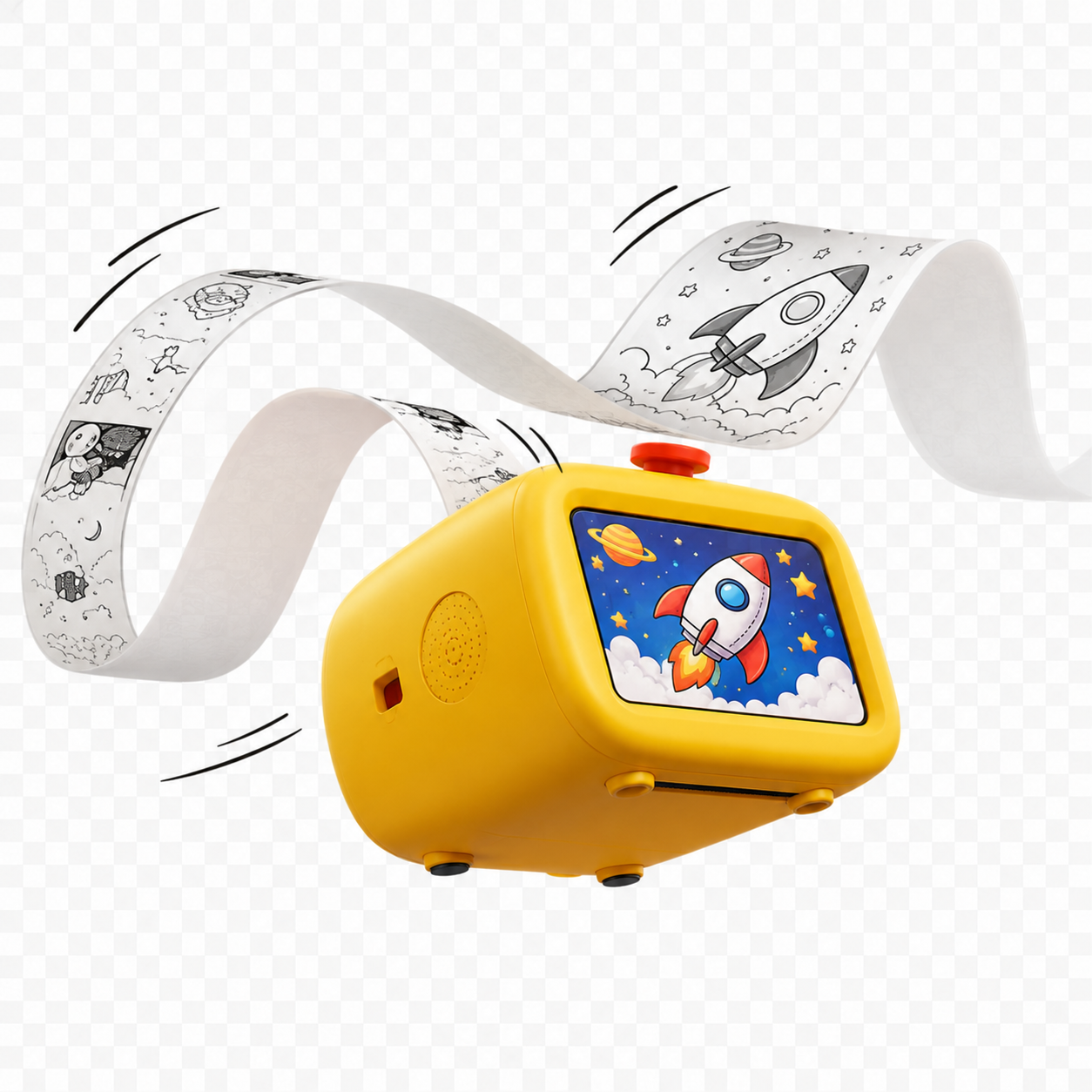
Quick prints, less waiting.
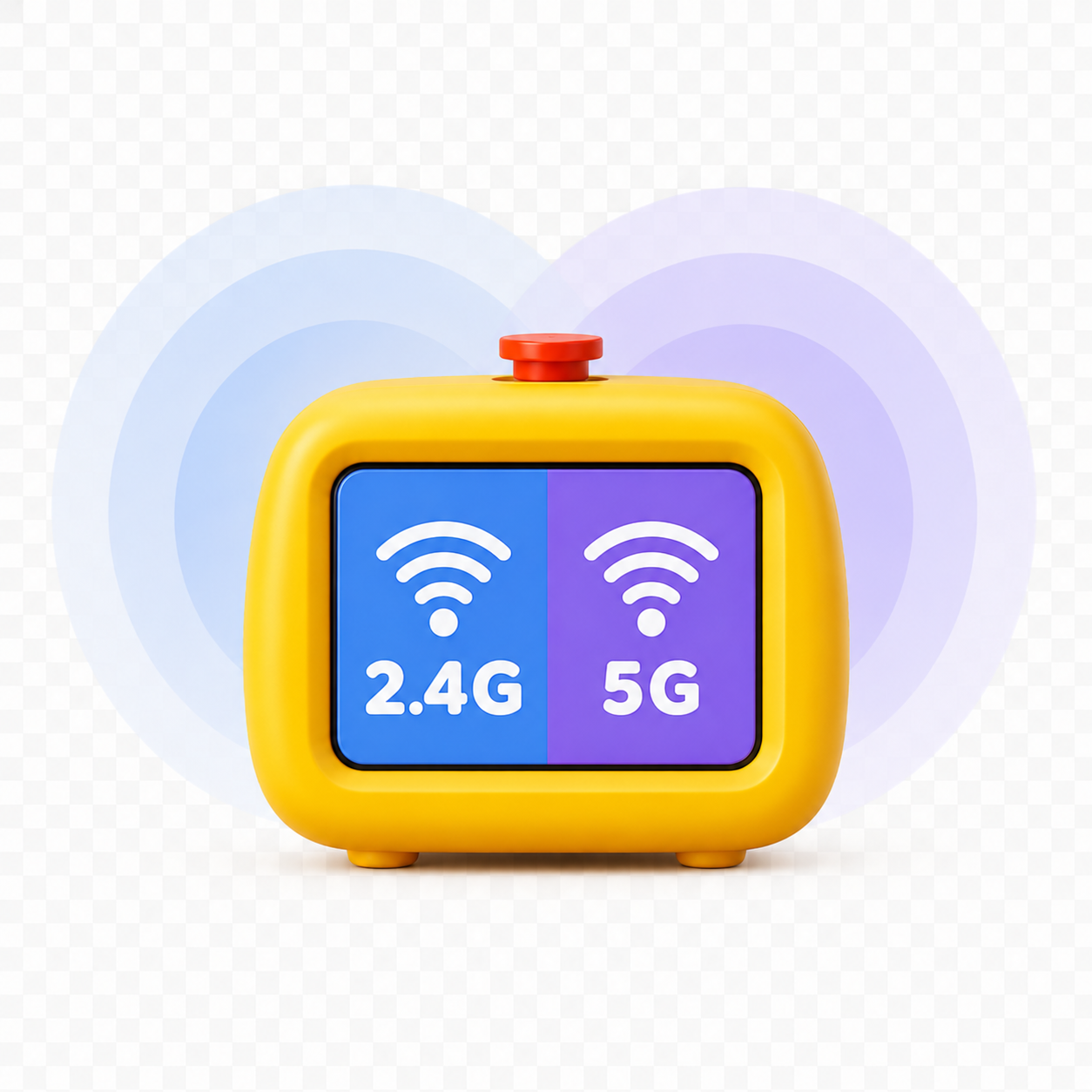
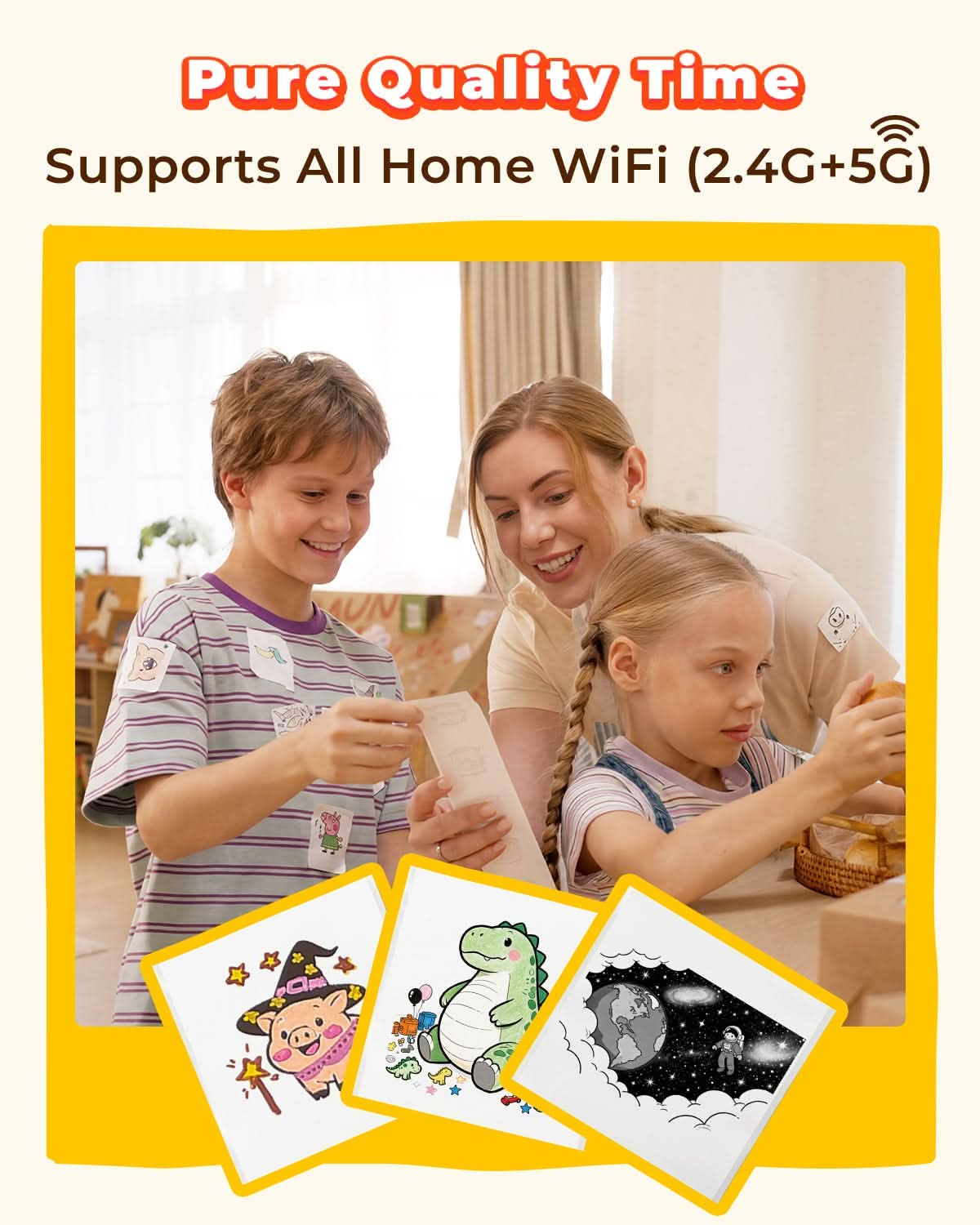
Stable 2.4G / 5G connection.

Buying for a business?
Get a custom quote for potential bulk savings on approved business orders.
Product highlights
Just say it. It prints instantly.
No background listening. AI starts only when you press.
No phone needed. No screen distraction.
BPA-free thermal paper. No ink, no mess.
Quick prints, less waiting.
Stable 2.4G / 5G connection.
Say It, Print It, Stick It — Bring Your Child's Imagination to Life Forget the endless scrolling and screen fatigue. The MUNBYN SP01 isn’t just a gadget; it’s a portal to creative adventures. With a simple voice command, your child can watch their wildest ideas transform into tangible stickers in seconds. It’s the perfect way to spark creativity, build confidence, and enjoy meaningful, screen-free bonding moments—giving you, the parent, a well-deserved moment of peace.
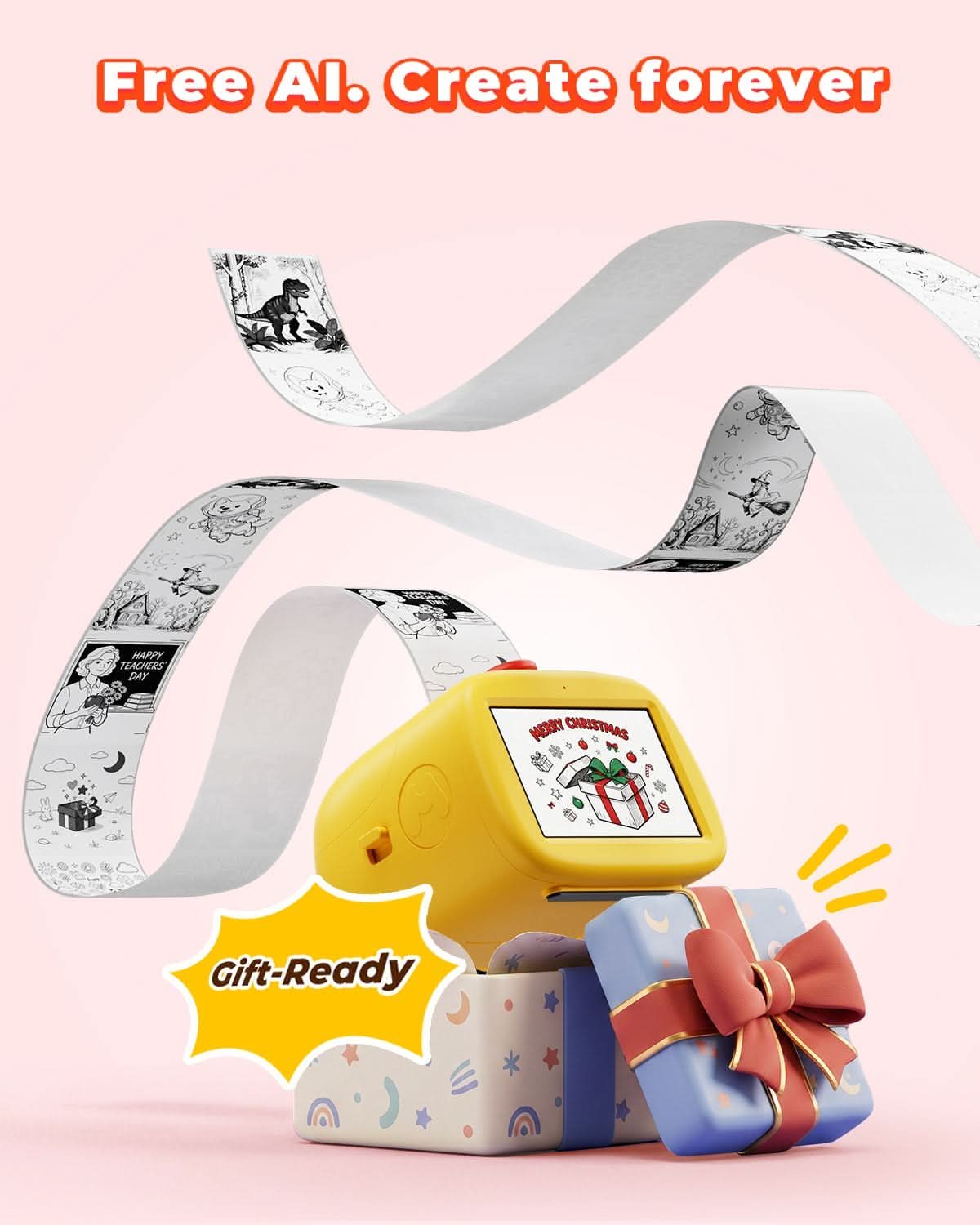
More Than Just a Toy, It’s a Creative Companion We believe creativity shouldn't be confined to a screen. The SP01 empowers children to express themselves, turning abstract thoughts into real, sticky masterpieces. It’s the gift that keeps on giving, fostering the joy of learning and the pride of creation.
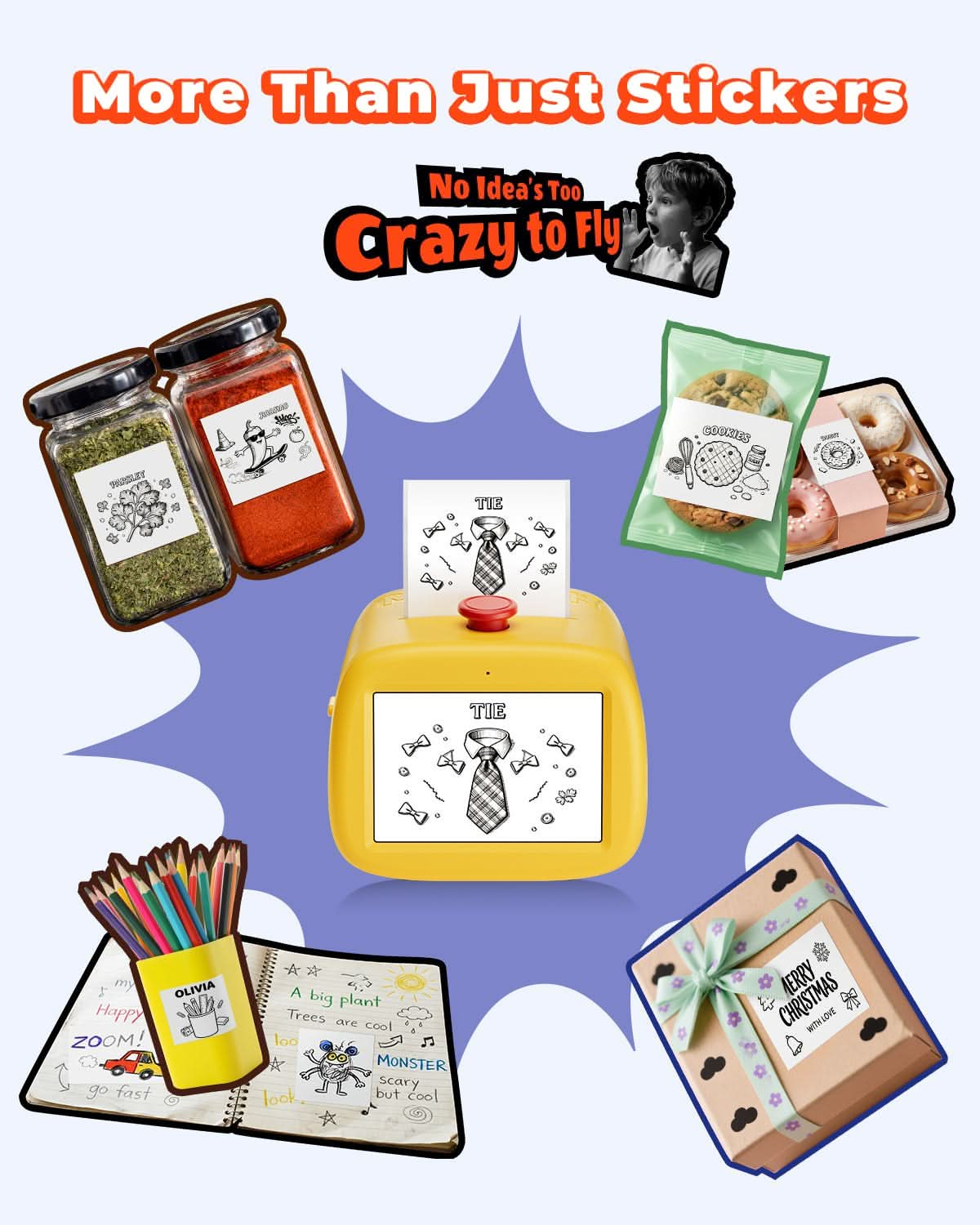
One Device, 11+ Endless Possibilities Why settle for a single-use printer? From the classroom to the playroom, the SP01 is engineered for your family’s busy life:
Creative Play: DIY storybooks, role-playing props, and handmade gifts.
Education & Growth: Personalized workbooks, interactive mind maps, and fun language practice.
Smart Organization: Labeling school supplies, travel journals, dessert notes, and household storage.
Designed with Safety & Simplicity in Mind We’ve stripped away the complexity. With intuitive, child-friendly interaction and a 3-minute setup, your little one can start their project instantly.
Peace of Mind: BPA-free paper and ink-free printing mean you can focus on the fun, not the safety.
Privacy-First: Our AI only listens when you press the button—no "always-on" recording, just pure, safe family creativity.
Certified Quality: Fully compliant with international safety standards (CE/FCC/RoHS/REACH/ASTM/CPSIA), because your family’s safety is our priority.
A Brand You Can Trust While others clutter their pages with confusing technical jargon, we choose to speak your language. We use authentic, lifestyle-focused visuals to show you exactly how the SP01 fits into your life, making your choice simple, clear, and distinctly MUNBYN.
Your turn—what would you make? Start your creative journey today.
Free Shipping on Orders Over $79*
Ships within 48 Hours.
14-day Risk-free Trial
2-Year Warranty & Lifetime Support
30-day Price-Match
Need help choosing the right product or placing an order?
Our MUNBYN support team is here to help. If you have any questions about products, compatibility, orders, or after-sales service, feel free to contact us at any time. We respond to all inquiries within 24 business hours (Monday–Friday).
Shipping Information
We offer free shipping straight to your door throughout the contiguous US*. It usually takes 2-5 business days* for your package to be delivered, so you can sit back and relax, worry-free.
*Please see our shipping policy for more details.
Help Center
Find everything you need in one place:
FAQ’s
Have a quick question?
Visit our FAQ page, which covers the most common topics, including:
If you can’t find the answer you’re looking for, our support team is always ready to help.
Still need assistance?
Contact Us at
Order: order@munbyn.com
Tech: support@munbyn.com
+1 628 229 3612
Mon - Fri: 7AM - 5PM (UTC-8)

Product details
PROOF 01 /VOICE TO STICKER

PROOF 02 /SPEAK. PRINT. STICK.

PROOF 03 /FAMILY IDEAS, EVERYDAY USES

PROOF 04 /LITTLE QUESTIONS, BIG IDEAS

PROOF 05 /ORGANIZE & PERSONALIZE

PROOF 06 /LESS SETUP, MORE MAKING

PROOF 07 /FAVORITES, READY AGAIN

PROOF 08 /YOUR DETAILS, YOUR DESIGN

PROOF 09 /INSIDE THE BOX

PROOF 10 /ONE IDEA CAN BECOME A STORY
AI voice-powered thermal sticker printer that customers say is "easy to set up" and provides "hours of entertainment." Kids describe ideas and watch stickers print in black-and-white in seconds. Inkless thermal printing means no mess or cartridge replacements. WiFi setup can be tricky initially and voice recognition requires clear speech, but customers praise the creativity it sparks.
This has turned out to be fun for everyone in the house. The girls love it, my daughter loves it, and I have to confess that I love it too! It is easy to set up and very simple to use, so you can get right into enjoying it instead of spending forever trying to figure everything out.The quality is good and everything works nicely, but the best part is just how much fun we have coming up with all kinds of crazy ideas to try with it. Every time we use it, somebody seems to think of something new. Easy setup, good quality, lots of possibilities, and something that both the kids and adults can enjoy together. Definitely a great value for the money.
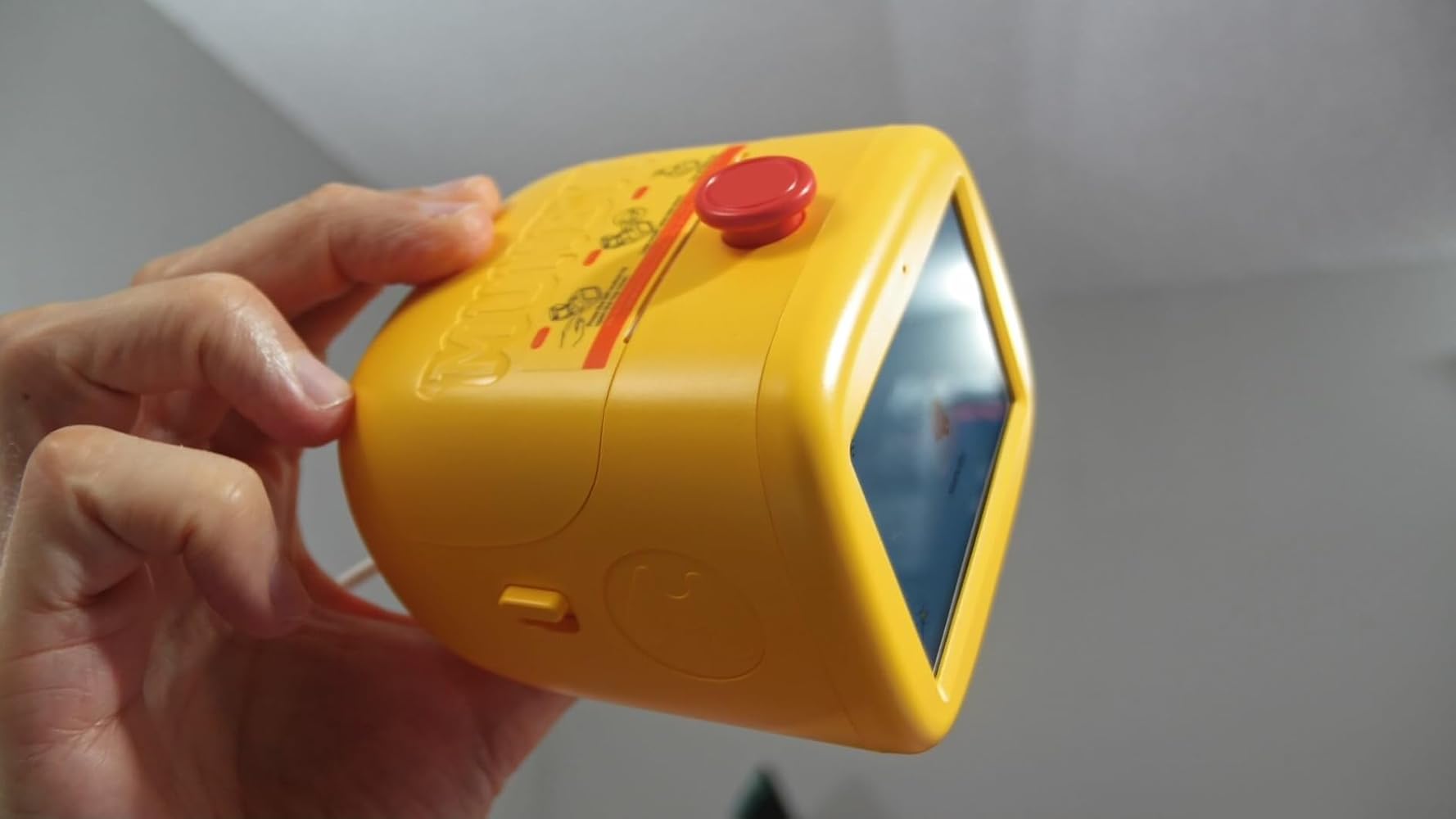
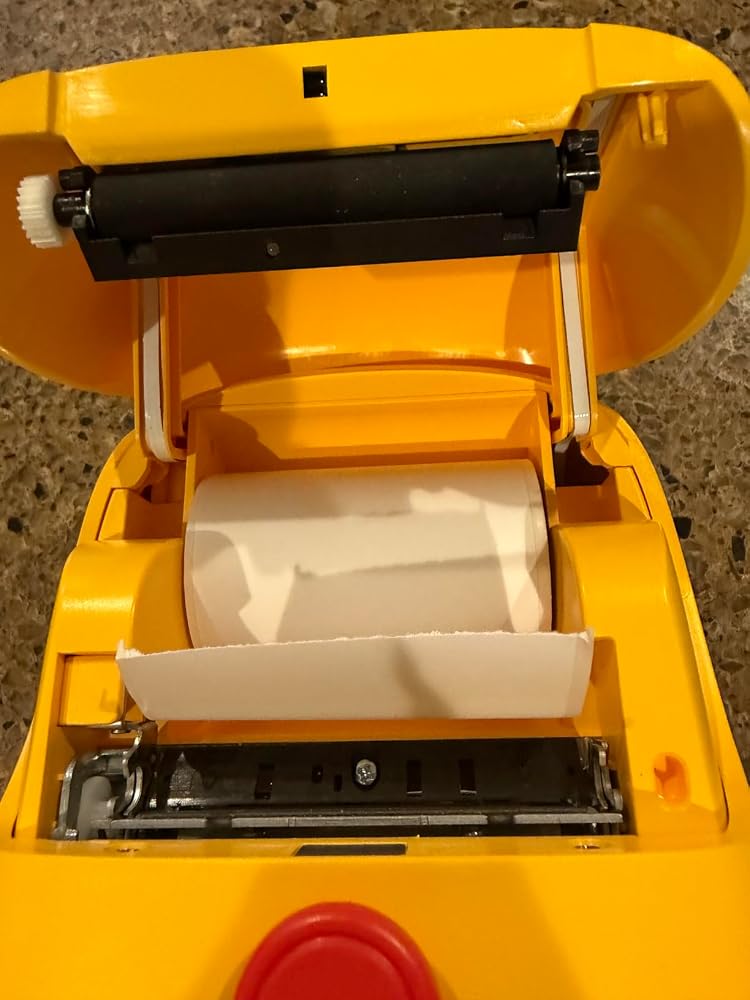
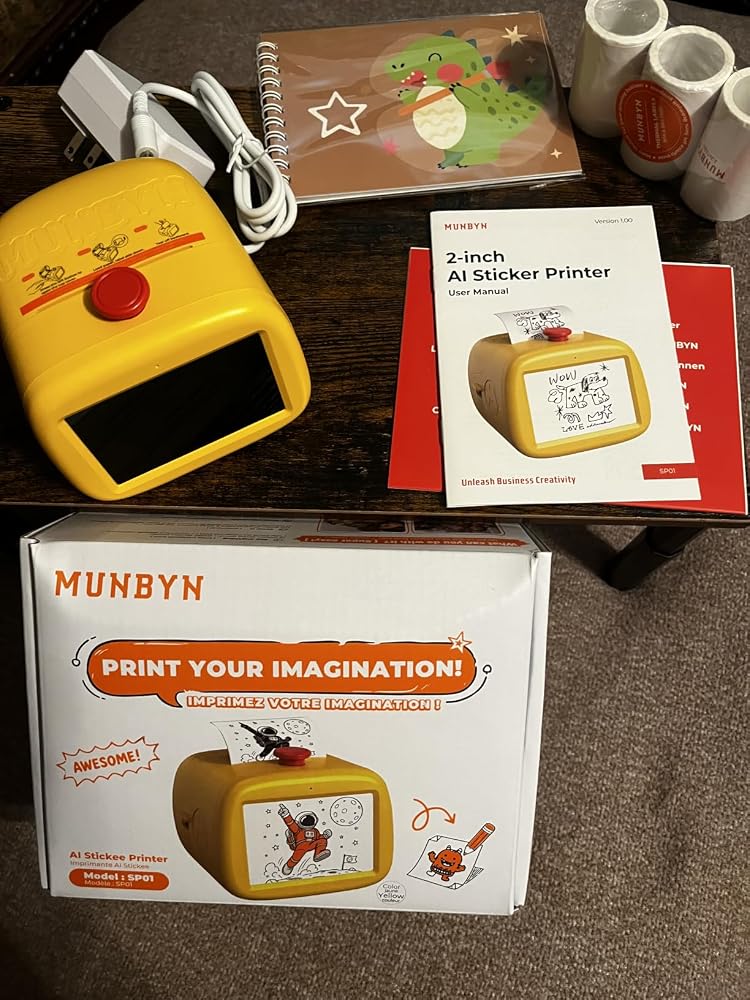
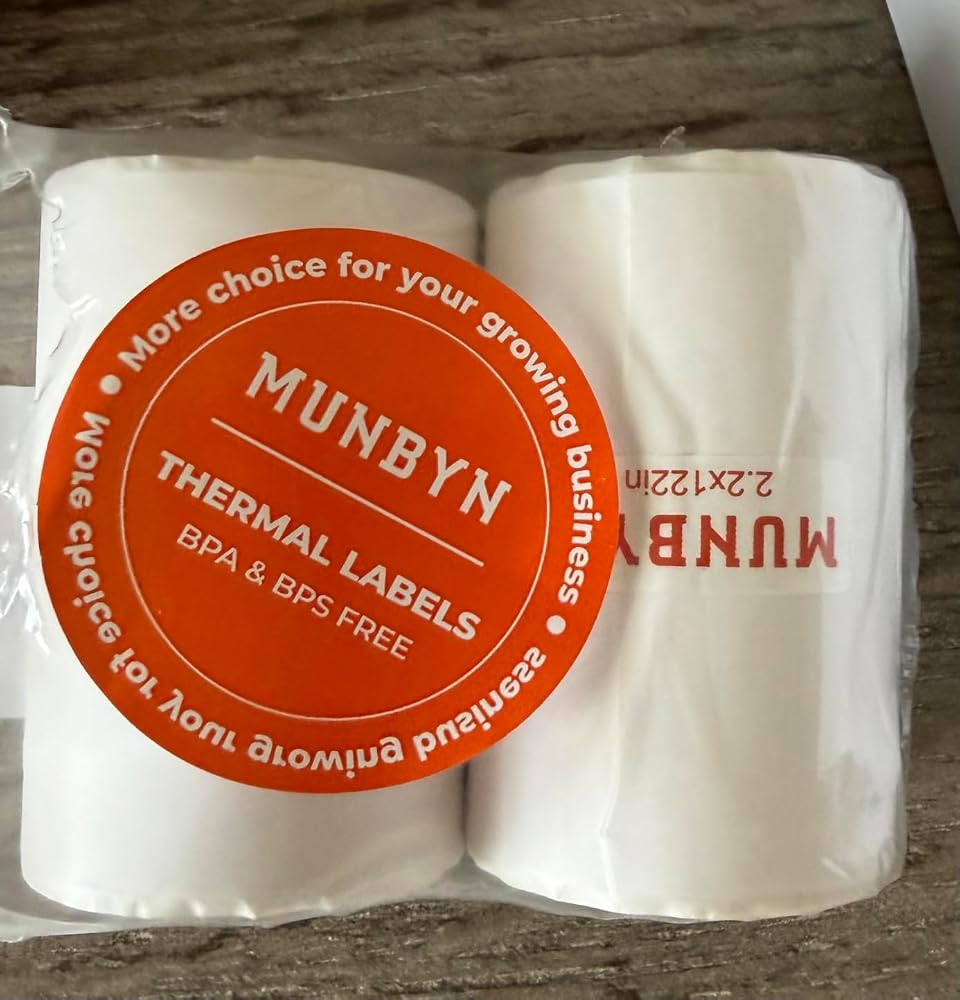
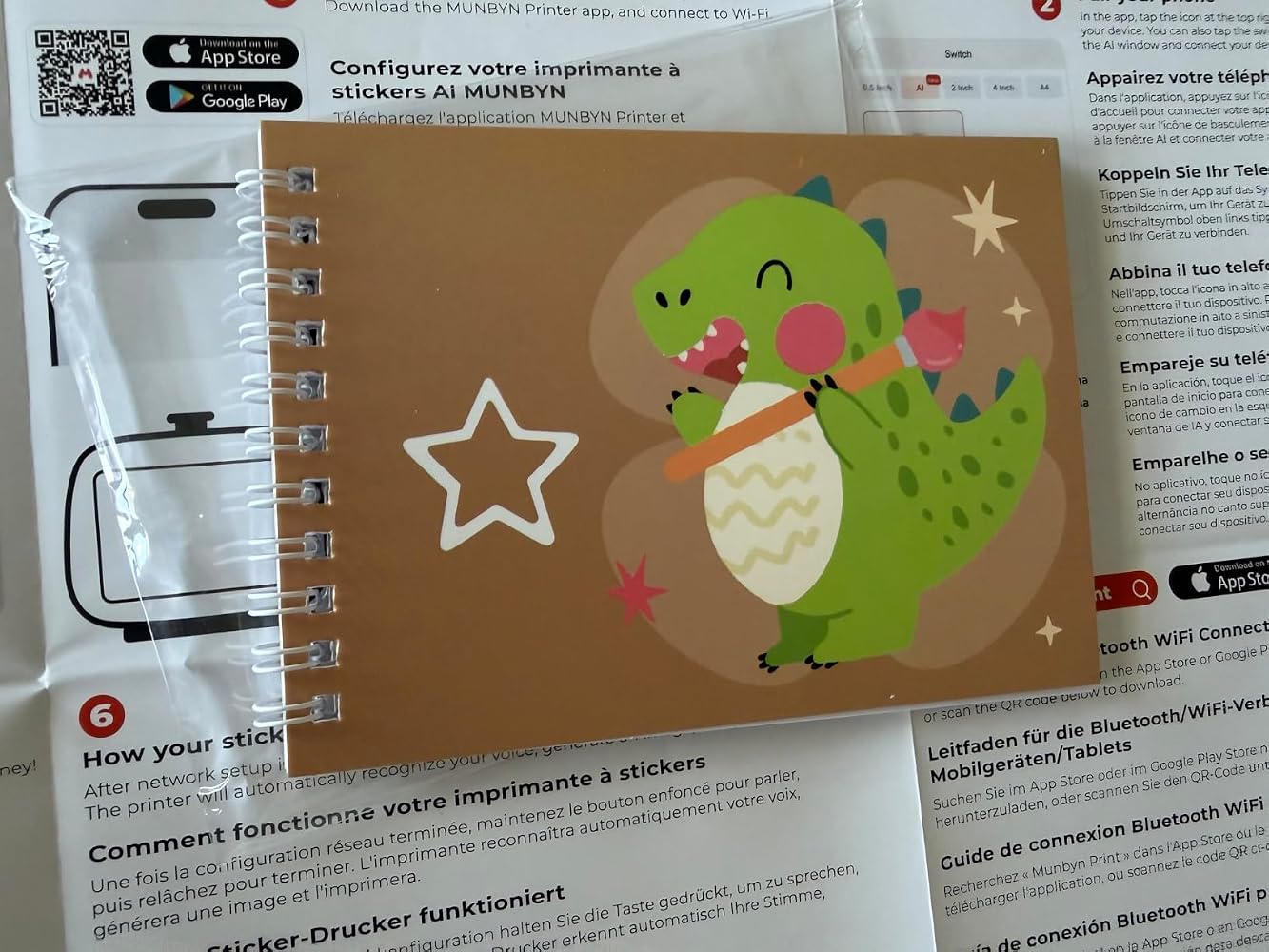
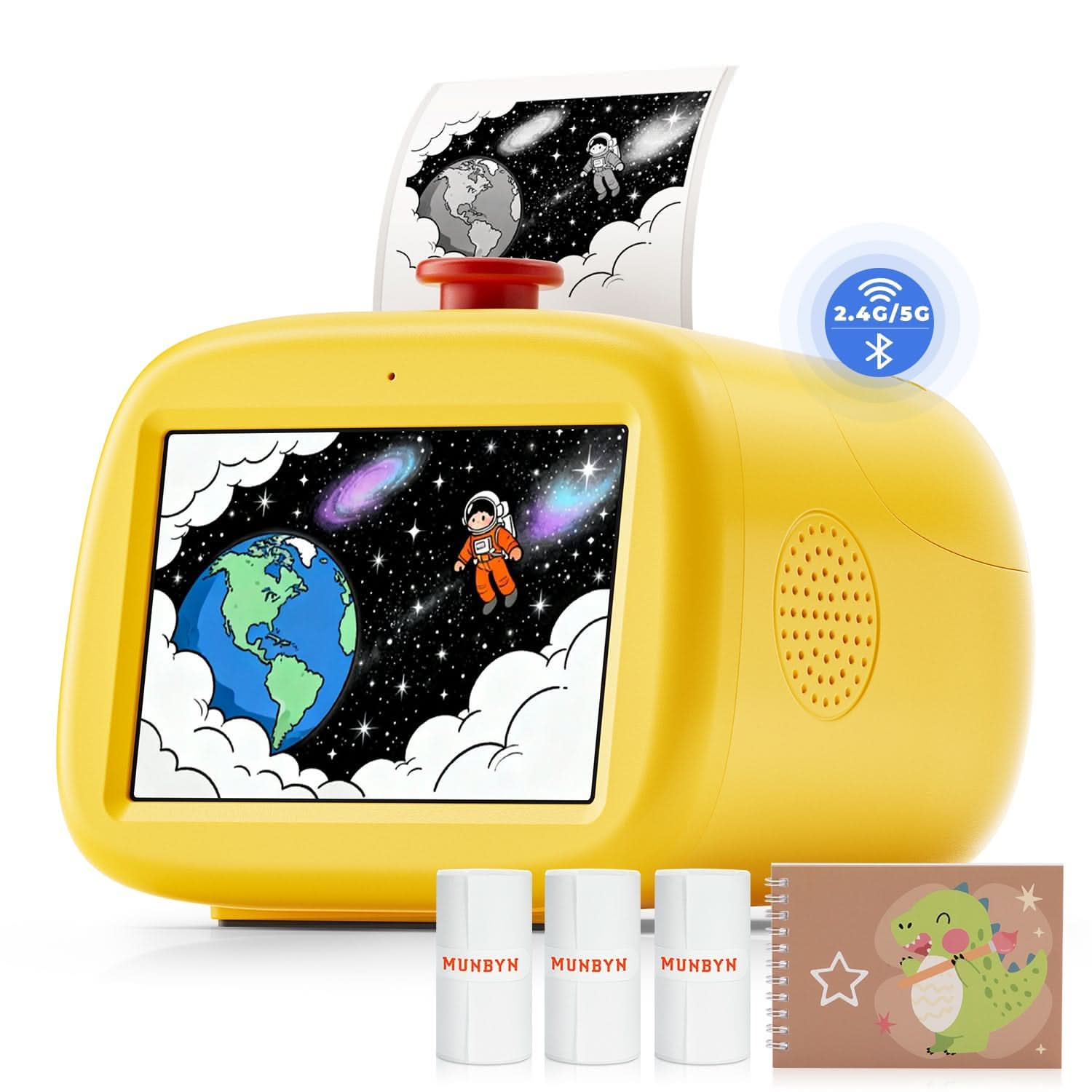
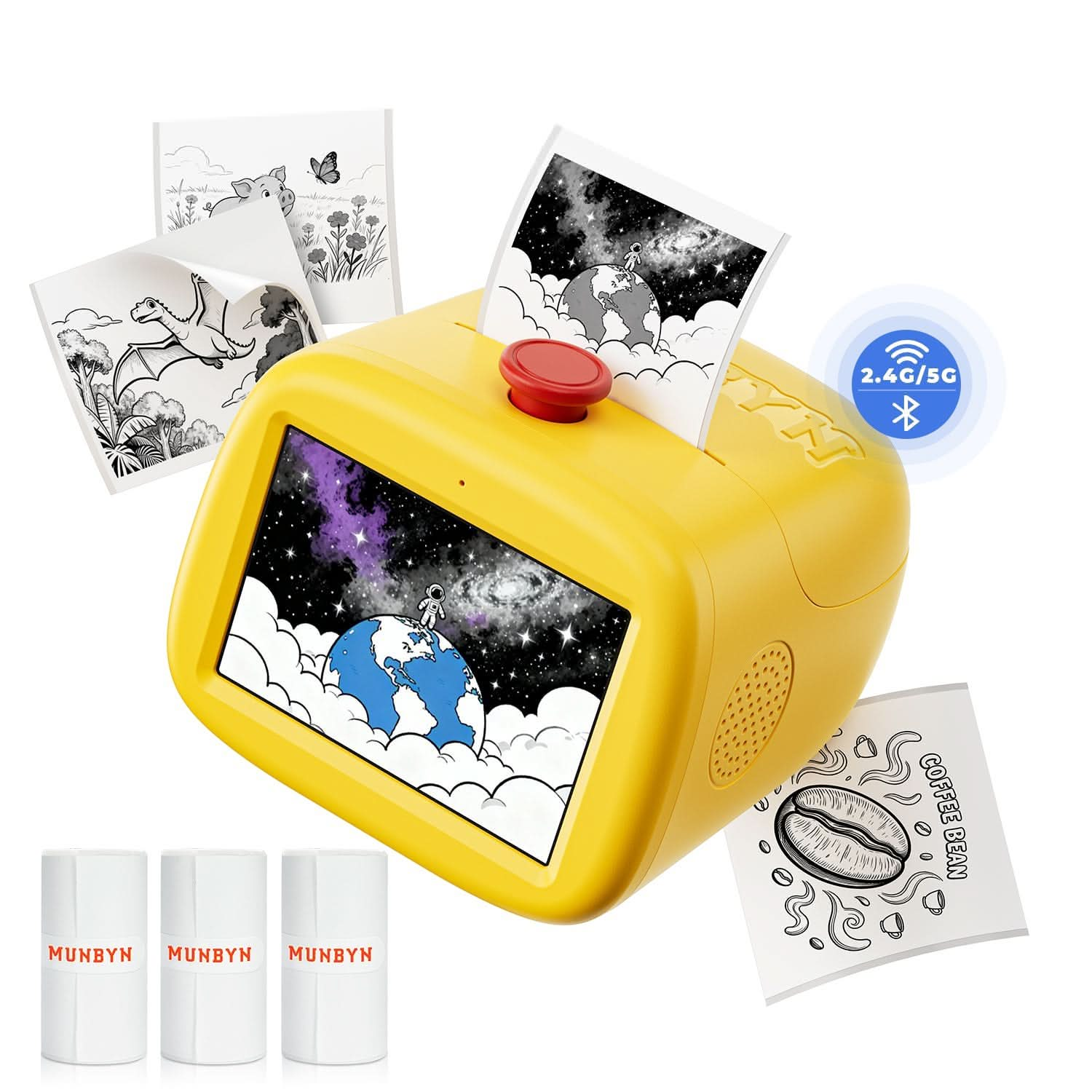
The AI sticker printer has a bright yellow body with a 3.5 inch screen and a large red button on top for voice input. It doesn't use any ink and so I don't have to worry about stains or smudging. It does thermal printing with BPA-free paper. According to the manual, the printer supports 2.4 GHz and 5 GHz dual-band Wi-Fi and Bluetooth. The print resolution is 203 DPI with a maximum print speed of 50 millimeters per second. The compatible paper width is 57 millimeters. I find it very easy to use and the instructions are simple.The box includes the printer, a power adapter, three continuous sticker rolls, a blank sketchbook, and a user manual. I have to cut stickers with scissors as there is no built-in cutter. The paper loads by pressing the cover open button on the left side, inserting the roll, and closing the cover.I find the voice printing entertaining. I press and hold the top red button, speak a prompt, and then release to print. The printer says out loud my prompt and plays some music before it prints. I can also control the printer with the MUNBYN app I downloaded from the Google Play store. The app gives me access to additional settings and selfie printing. The printer also blocks inappropriate words, so I get only PG rated prints. The prints look cute and are detailed.
The MUNBYN Stickee SP01 Smart AI Sticker Printer is an inventive, engaging gadget that turns spoken ideas into custom stickers in seconds without the mess of ink cartridges.Key HighlightsVoice-to-Print Magic: Kids can simply press a button, describe an idea (like "a cat riding a skateboard"), and watch the AI generate and print the sticker line art.Privacy & Content Safety: The push-to-talk microphone only activates when deliberately pressed—no always-on listening—giving great peace of mind.Mess-Free & Ink-Free: Uses 203 DPI thermal printing on BPA-free paper rolls, so there are no messy ink refills or stained hands.Screen-Free Fun: Great for arts and crafts, school supply labeling, journal decorating, and coloring in the printed black-and-white designs with markers.A fantastic gift that sparks imagination, encourages storytelling, and keeps kids entertained without handing over a smartphone or tablet.
This MUNBYN SP01 Smart AI Sticker Printer Voice to Print for Kids Thermal MakerNo Subscriptions, 2.4G+5G WiFi, Voice-to-Print, Kid-Friendly AI, 20+Safety Certs, Inkless BPA-Free, 3.5" Screen, 50mm/s Print is fun for kids. This printer is easy to use and setup using WiFi. It is great that it is voice to print so kids can talk to it without a device and it will print what they want. It has color screen but the stickers only print in black and white, which is a little disappointing. It comes with the thermal labels for the printer and the prints look good. My sons and his friends enjoy playing with this and seeing the pictures they can get it to print.
We picked this up for quick labels and kids' crafts, and overall, it has been a huge hit in our house.The Good:Kid-Friendly Voice Magic: The microphone works remarkably well—it picks up my kids' voices without issue, and they love seeing their spoken ideas turn into instant stickers.Zero Ink, Zero Mess: Because it’s thermal, there's no smudging or ink to replace. Loading new paper rolls takes just seconds.Fast & Compact: It prints almost instantly, tucks away easily in a drawer, and we love that you can keep it plugged in so it never dies in the middle of a craft session.Great for Labels: Very handy for quick organization bins and labeling school supplies.A Few Caveats:Setup Quirks: Initial setup was a bit glitchy when linking the app and connecting to our home Wi-Fi.AI Simplicity: The AI does best with straightforward commands (e.g., "a happy dog"). Complex or high-detail prompts can look a bit wonky and muddy in black-and-white.Black & White Only: Manage your expectations—there is no color printing.Feature Wish: I really wish there was a dedicated mode to print plain text/labels without forcing an AI image alongside it.Bottom Line: Perfect for rainy-day crafting, simple coloring stickers, and quick labeling. Just keep the prompts simple and enjoy the ink-free fun!
I have a 4-year-old child and I really wanted to find a way to bond. When I saw this I thought it would be a great way we can make some really funny, cool stickers together. First, let me say that the unit is quite cute and appropriate for a younger audience. It's easy to set up and even my 4-year-old was able to figure out how to use it. It's got some cool AI functions to it which allow you to be creative with your ideas. Now to be clear, the one thing you should know is that this is not printing and anything but black and white. So it gives you the ability to add another layer by adding some color to it as craft item. At first I thought maybe it possibly printed out in color, although the screen does show it in color so you can get some ideas. It's got a pretty decent battery life as well. I also like that it uses thermal paper so there's no ink or anything to deal with in the future. Overall, this is a quality product that would help you bond with your child
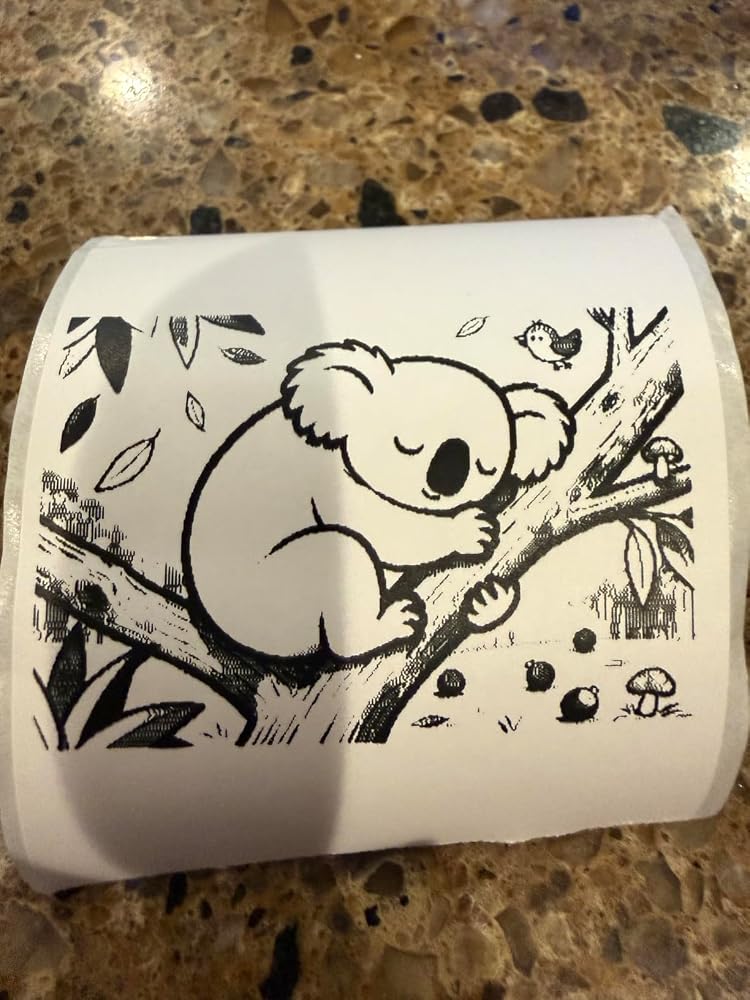
The MUNBYN Smart AI voice printer is a pretty darn cool little device. Full disclosure is that I just wanted this as an adult, so any age can find fun here. Basically, all the starting info that you need is in the included manual, just follow along. You need to load some included paper, plug the device in, download a small app, create a quick account (use an alternate address if you want) and connect to Wi-Fi to get a code. Once connected, you then create a password, update, then start printing. Then it's as simple as holding down the red button on top and speaking your image wish.Obviously, certain things are prohibited... I tried "lobster mafia with a machine gun", which didn't work (and rightly so), but did get "lobster mobster" to work. You can see it in the photo. I haven't tested the limits of this, like copyrighted characters and length of description. Otherwise, your imagination is your limit. Jar labels, envelope art, phone or laptop decoration, you name it. It's a lot of fun and the sort of thing that you will probably use more than you think. For kids, it's really great as a creative outlet, inspiration, and just coloring fun.Items included are three rolls of stickers, a small sketch book, and the power supply. There's no subscription needed, it has multiple safety certifications, uses inkless thermal printing, and will work with other thermal papers of proper size. The screen is bright, clear and colorful, the printing is fast, and you can even level up as you create.Seriously, this is a cool device. It's sure to please kids and adults alike. I love it!
FUN VOICE TO PRINT STICKER PRINTERITS EASY TO USE AND ASSEMBLEIN MY OPINION ADULTS CAN USE IT TOOTO MAKE STICKERSAS WITH ANY PRODUCT READ THE INSTRUCTIONS FIRSTOTHER THAN THAT ITS DEFINITELY SOMETHING DIFFERENT TO PURCHASE BECAUSE ITS A SPEAK TO PRINT STICKER MAKER
I’m REALLY impressed with this Smart AI Sticker Printer by the brand MUNBYN. First off, it is so easy to use! The voice to print feature feels so magical, especially for the small kiddos. The prints come out quickly and clearly. I also love that it’s inkless too. There’s no need to worry about any mess or worrying about replacing ink. It feels well made and is so fun to use! I'm a 32 year old woman and I'm having a blast with this thing! I'm very happy with this and would highly recommend it! 5 stars from me! ⭐️⭐️⭐️⭐️⭐️/⭐️⭐️⭐️⭐️⭐️
If you are looking for a fun toy that your kids don’t already have, you need to buy this!! I ordered the MUNBYN SP01 Smart AI Sticker Printer for my 4 kids, and it is so much fun! My kids are 4, 9, 12, and 16. Everyone is having fun with it. Setup was simple and took less than 10 minutes. You will need to download an app to your phone but the phone is not needed to print the images. I like that it uses thermal printing, so there’s no ink to replace. The printer responds to voice prompts and creates fun black and white sticker designs. It includes 3 rolls of stickers and a sticker book to save your creations. The kids are having so much fun coming up with silly ideas. We have noticed the machine does best if you sit close and speak in a clear voice. You push the button and say what you want it to print and the AI comes up with your request. For example “A large cat eating pizza” or “A shark eating ice cream at the beach.” I highly recommend this toy. It creates hours of entertainment to spark imagination and creativity.
This little sticker printer is a lot of fun, especially if you have creative kids. The voice-to-print feature works surprisingly well. Being able to simply say what you want and have it printed as a sticker feels almost like magic, and it keeps the process simple enough for younger children to use.I also like that there are no subscription fees to unlock the AI features. Once it's set up, kids can use it on their own without constantly needing a parent's phone. The 3.5-inch color screen is easy to navigate, and the printing speed is fast enough that there's very little waiting between ideas.The thermal printing means there's no ink to replace or messy cartridges to deal with. Just load the paper and start creating labels, stickers, or decorations. It also accepts standard gap-free thermal label rolls, which gives you flexibility when it's time to buy more paper.The built-in content filtering is another nice touch. While no filter is perfect, it's reassuring to know the device is designed with age-appropriate use in mind, making it feel more suitable for younger users.Overall, this is a fun, easy-to-use printer that encourages creativity without creating a mess. Whether it's for labels, crafts, journals, school projects, or just making silly stickers, it's a unique gadget that both kids and adults can enjoy.
We have been using the MUNBYN SP01 Smart AI Sticker Printer as a reward during lessons, and it has been a great hit with the kids! They have the opportunity to “earn” a sticker of their choice, and being able to tell the printer what they want makes the reward much more personal and exciting than simply choosing from a sheet of premade stickers.The concept is really fun. The kids can come up with an idea, say what they want, and watch as the AI turns their request into a unique black-and-white sticker that they can then color themselves. It adds an extra element of creativity to the reward, and we have found that the anticipation of getting to create their own sticker can be surprisingly motivating during lessons.The printer itself is easy to use, prints quickly, and because it is thermal, there are no ink cartridges to buy or messy ink to deal with. The printed images are okay. Typically they are bold and detailed, but sometimes it doesn't work out quite as the kids had hoped. I like that you can see it first and mke changes if necessary. They like that they can dream up something silly, cute, or completely unique and have a sticker made just for them.The voice recognition isn't perfect. You have to speak slowly and clearly. You also have to have a good solid wifi to connect it to.Our biggest drawback has actually been coloring the stickers. Because these are printed on thermal paper, coloring them isn't quite the same as coloring ordinary paper. Some kids don't mind at all, but others find it frustrating, particularly kids who want to use gel pens.Overall, we've been very happy with the MUNBYN SP01. I would especially recommend it to teachers, tutors, homeschoolers, therapists, or anyone looking for a creative reward system for kids. The value is good. I wouldn't pay more for it, but I do think it was worth the $99 pricepoint at the time of this review. The machine seems well made and has already survived a fall or two.
Got this for my kid after seeing it pop up as a gift idea and honestly it's been a bigger hit than I expected. The whole point is she presses the button, says something like "a cat riding a skateboard," and a few seconds later it spits out this little black and white sticker of exactly that. No app required for the actual creating part, no phone in her hands, which was the main selling point for me. She just sits there talking to it and peeling off stickers, it's kept her busy for way longer stretches than most toys we've bought this year.The screen on it is a nice touch too, small preview before it prints so she can see what she's getting and decide if she wants to try again with a different idea. And since it's thermal printing there's zero ink involved, so I don't have to worry about her getting marker or ink stains everywhere, it's genuinely mess free which as a parent I appreciate more than almost any other feature.My one real complaint is getting it connected to WiFi initially was a bit of a headache, took a few tries and a restart before it actually locked onto our network, and from what I've read that seems to be a common gripe with this company's printers in general. Once it was on though it's been solid, hasn't dropped or needed re-pairing since. Also worth knowing going in that the stickers print in black and white only, so if you're picturing full color designs that's not what you're getting, though my daughter has fun coloring them in after with markers so honestly it works out fine either way.Paper refills aren't crazy expensive and it burns through them slower than I expected since each sticker only takes a few seconds worth of paper. For a screen-free, ink-free way to keep a kid entertained and creative, I'd say it's worth it. Just budget a little patience for the initial WiFi setup and you'll be in good shape.
This is a clever little sticker printer that makes creating labels and simple designs easy for kids without requiring them to constantly use a phone or computer. The voice-to-print feature is the standout, and the color screen makes the device fairly straightforward to navigate independently once the initial Wi-Fi setup is finished. Thermal printing also keeps things simple since there are no ink cartridges or toner to deal with.The ability to use different thermal label rolls gives it more flexibility than a toy that depends on proprietary supplies. The photo booth feature and achievement system add some extra entertainment beyond basic sticker making, while the built-in filtering is reassuring for a device designed around kids using AI on their own. Overall, it combines a label maker, creative toy, and simple AI device in a surprisingly approachable package.
This is a pretty cool and unique item! I wasn’t sure what to expect at first, but it really works well! I was able to connect it to our network with no problems. Once connected, it took me a bit of experimenting to figure it out. But it’s actually pretty easy to use. And, from what I can see, it seems safe for kids, too, with respect to privacy. Basically, you just describe what you want to print, and the software uses AI to create your image sticker. Now, granted, it prints only in black white (because it uses thermal paper). Kids, however, can color the stickers, if they wish. The printer is small and compact, and easy to take with you. My kids absolutely love this printer! It’s great for hours and hours of enjoyment. A great toy to spark creativity!
Can't wait to give this to my grandsons this Christmas! The Voice-to-Print feature is brilliant—they just say what they want, and a sticker pops out in seconds. I love that it’s completely inkless, hassle-free, and has top-tier safety certifications (BPA-free paper and local AI privacy are huge pluses). The 3.5" color screen makes it easy for them to use independently, and the photobooth mode is going to be a huge hit. A fantastic, mess-free gift!
This thermal sticker printer brings a fresh level of interactive fun to crafting and organizing around the house. Setup is surprisingly fast thanks to dual-band Wi-Fi connectivity, allowing effortless connection to smartphones and tablets without tedious pairing issues. The built-in 3.5-inch screen is clear and responsive, making navigation simple even for younger users. What really stands out is the voice-to-print feature, which lets kids dictate prompts and quickly transform spoken ideas into custom printed stickers. Since it utilizes thermal printing technology, you never have to replace messy ink cartridges or worry about smudged prints; you simply drop in a roll of BPA-free sticker paper and start creating. The print speed is impressively quick at 50mm per second, keeping young minds engaged without long wait times. It comes loaded with kid-friendly templates, safety certifications, and zero hidden subscription requirements, making it a stress-free addition to arts and crafts time. Whether your children are making labels for school supplies, custom artwork, or decorative stickers, this compact printer delivers great performance and endless entertainment.
Hello!
Can I preview the sticker on the screen before printing? I don’t want to waste paper on an image I don’t love. I want to see the image THEN select or say print.
No. The printer does not support image previews.
Please read our FAQs page to find out more.
MUNBYN uses advanced Thermal Printing Technology, which means zero ink, zero toner, and zero ribbons. You only need thermal labels. This not only saves you hundreds of dollars in supply costs annually but also eliminates the mess of leaking cartridges and the frustration of running out of ink mid-shipment.
Yes! MUNBYN printers are compatible with any Direct Thermal Labels. Whether you prefer fan-fold or roll labels, as long as the width is between 1.57" to 4.3" (40mm-110mm), our thermal printer will automatically sense and calibrate to it.
MUNBYN is a favorite for small business owners. MUNBYN label printers are fully compatible with major platforms, including:
Our thermal printers support a wide range of direct thermal labels, including 4×6" shipping labels, 3×2", 2×1", barcode labels, round labels, and custom sticker sizes (40–110mm width depending on the model). The printer auto-detects label size—no manual calibration required.
Yes. The sticker printer is designed for quick setup with step-by-step installation guides and driver downloads available. Most users can complete installation in just a few minutes.
Our intelligent Automatic Label Identification does the work for you. Insert your labels, press and hold the top button until you hear a single beep, and the printer will automatically adjust the label size and spacing for perfect alignment.
High-quality printing starts with a clean print head. If quality drops:
If the issue persists, contact customer support for further assistance.
Yes, every MUNBYN printer is backed by a 2-year warranty. We stand by our hardware and will provide a replacement or repair if you encounter any manufacturing defects.
Yes. You can use this printer for both business labeling (shipping, barcodes, inventory, retail tags) and home organization (storage labels, pantry tags, files, craft projects). Its versatile direct thermal printing and support for multiple label sizes make it suitable for a wide range of personal and professional uses.
Yes, we offer flexible label customization, including stickers, logo labels, and creative templates for branding. Shop Custom Label Here.
Free shipping and returns