Scroll to top

Print Anything, Anywhere

Your ideas, your space — print wherever inspiration strikes.

Ink-Free, Worry-Free

Zero ink. Time, money, and planet-saving.

Fast to Print, Easy to Keep Going

High speed:150 mm/s = one 4×6 label per second.

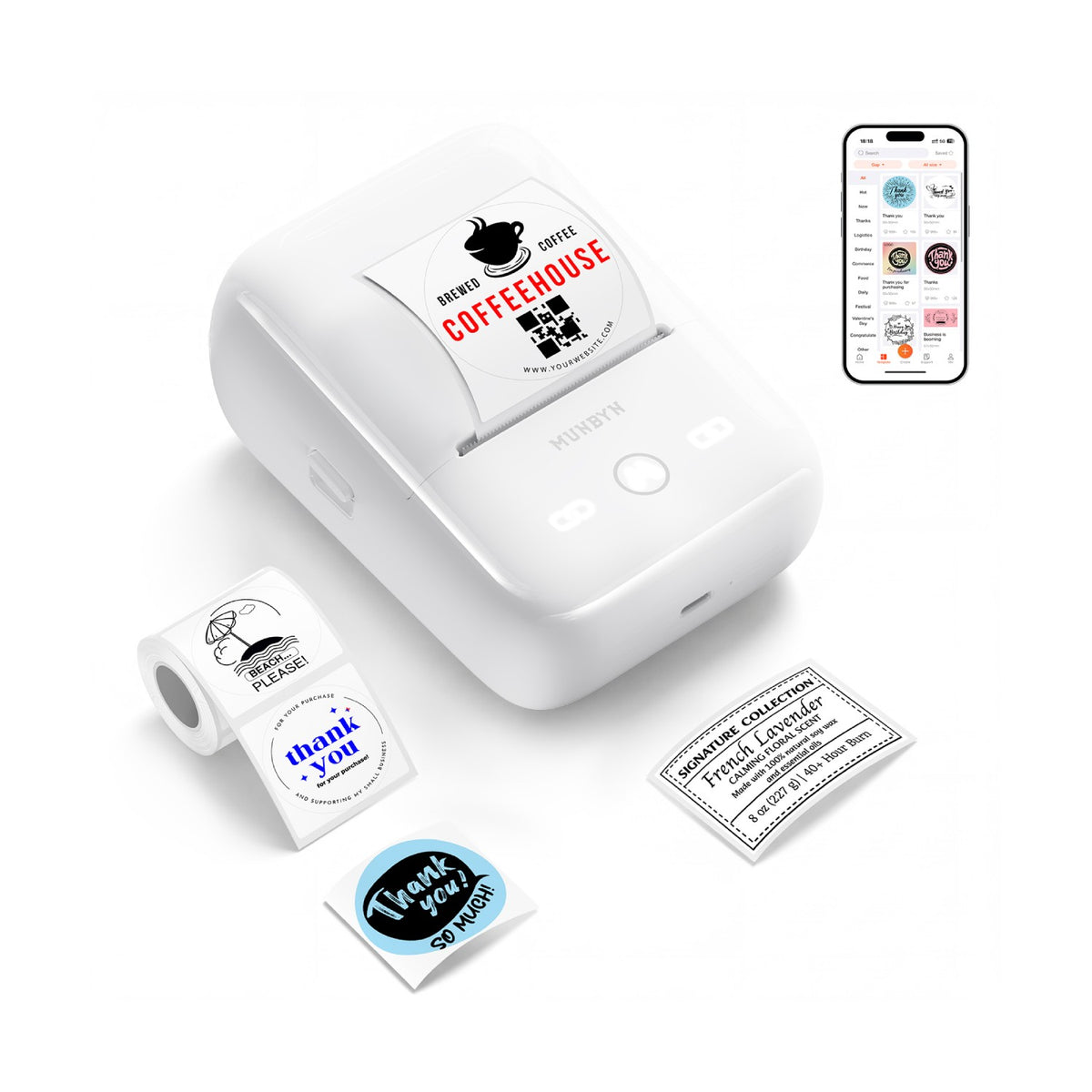
MUNBYN FM226 Bluetooth Portable Label Maker - White
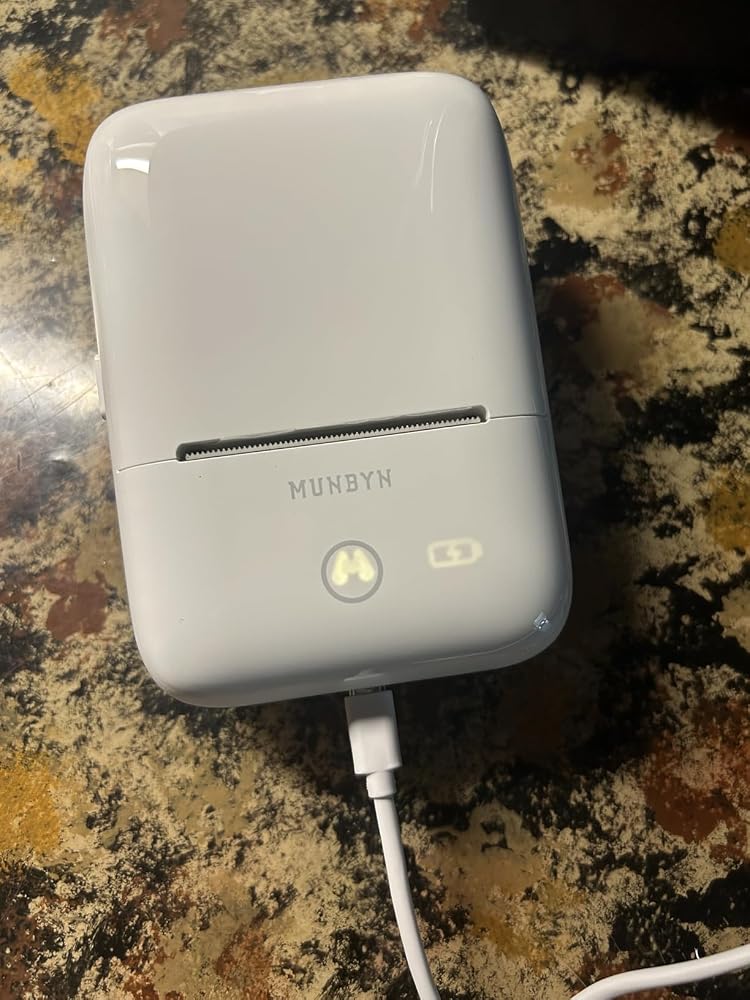
MUNBYN FM226 Bluetooth Portable Label Maker for Home and Small Labels
$49.99

Product details

Download our app

High-End Labels in Minutes
Designing custom packaging has never been this simple. Using the MUNBYN app and our versatile DIY Labels, you have a library of 3,000+ design assets and templates at your command.

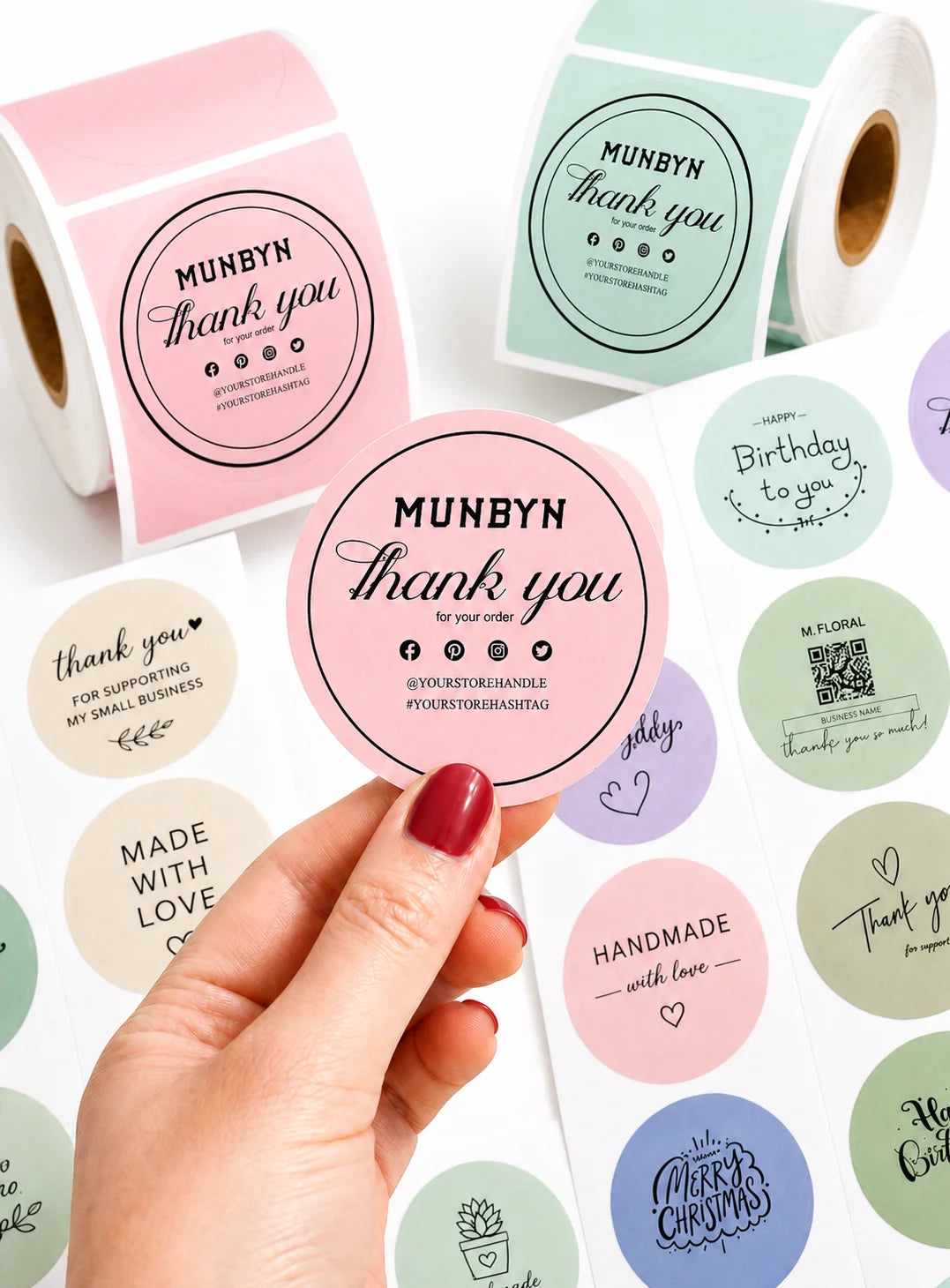
Craft bespoke logos and promotional stickers that perfectly capture your brand’s personality—all while keeping your budget in check.


Google Play

Google Play

Download Now

 
Online Editor

Online Editor

Create Now

 
User Manual

User Manual

Download Now

Woman using a laptop with a barcode scanner on a desk

Proudly Women-Operated

80% of our leadership team are women, bringing empathy and innovation into every design and decision. Because when women lead, technology becomes more human — and creation becomes more meaningful.

Wireless Freedom

Say goodbye to tangled cables and hello to effortless printing. Enjoy instant Bluetooth connectivity wherever you work, or plug in via USB when you need it.Seamlessly compatible with Windows, Mac, iPhone, iPad, and Android—your whole workspace connected, your printing made simple.

Load video:

Smart label detection

Set of five colorful square icons in a horizontal row.

Label Freedom. Effortless printing starts here.

Supports ANY direct thermal label

4x6" 3x2" 3x1" 2x1" 4" 2"

Your MUNBYN printer automatically recognizes and adjusts to different label sizes—no manual setup needed.
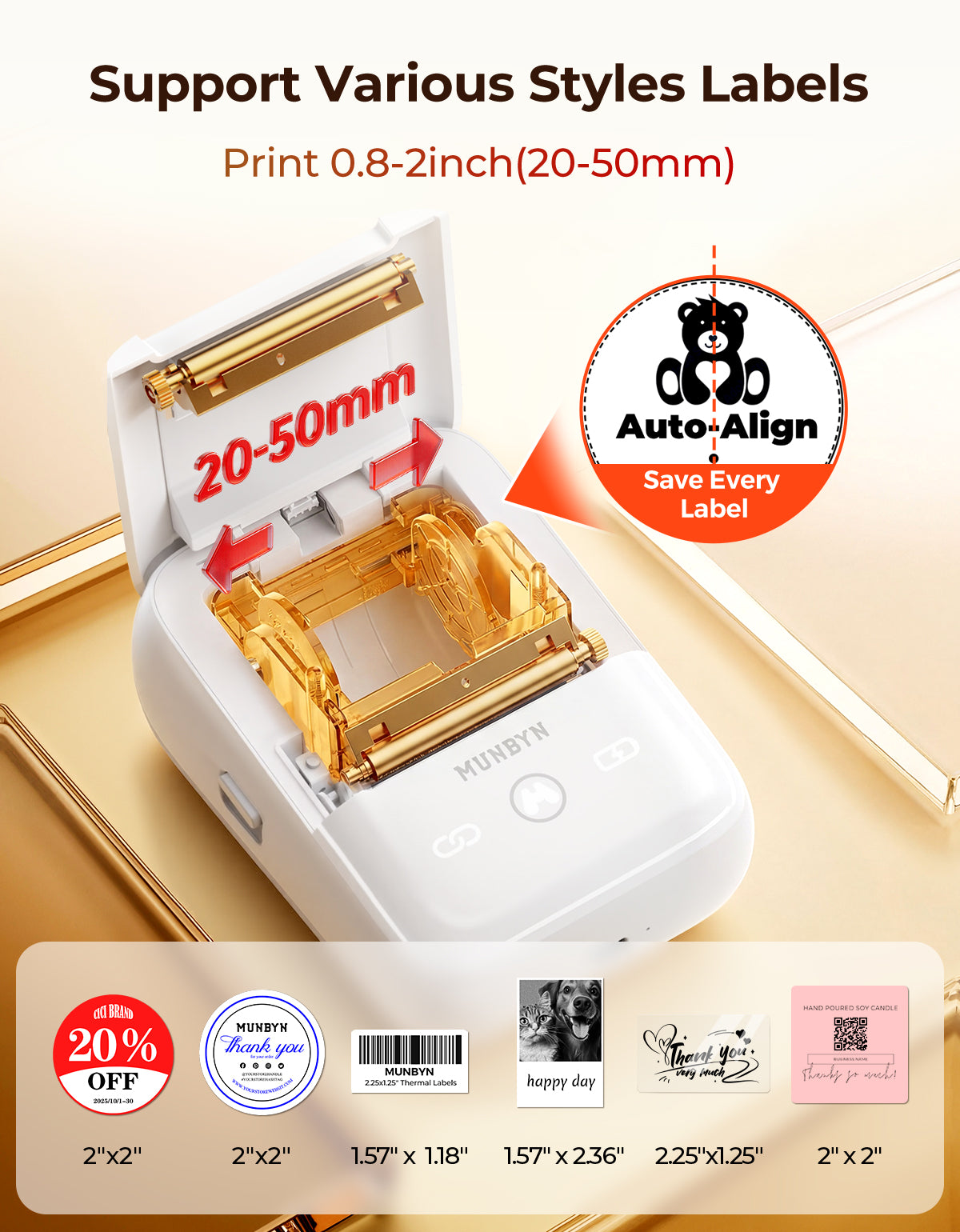
From 4×6 shipping labels to 2×2 logo stickers and a wide range from 1.57" to 4.3" wide, switching between tasks takes only seconds.

Your all-in-one tool for major marketplaces and carriers, including but not limited to

Etsy logo in orange on a white background
Amazon logo on a white background
Ebay logo in multicolor on a white background
Shopify logo on a white background
FedEx logo in purple and orange on a white background
UPS logo on a white background
Shipwire logo on a white background
Ninjavan logo with a red circle and black text on a white background
J&T Express logo in red on a white background
DHL logo in red on a white background
Easypost logo on a white background
Flash Express logo with a black lightning bolt on a white background
Poshmark logo on a white background
ShipStation logo on a white background
Easyship logo on a white background
ShippingEasy logo in green on a white background
XPSship.com logo on a white background

Designed to print more than 980,000* labels in shipping labels

How People Use MUNBYN

Print life and label quantity estimates are based on laboratory calculations (150 KM printhead life × 4×6" label length). Actual performance may vary due to print frequency, label material, operating environment, and maintenance conditions.

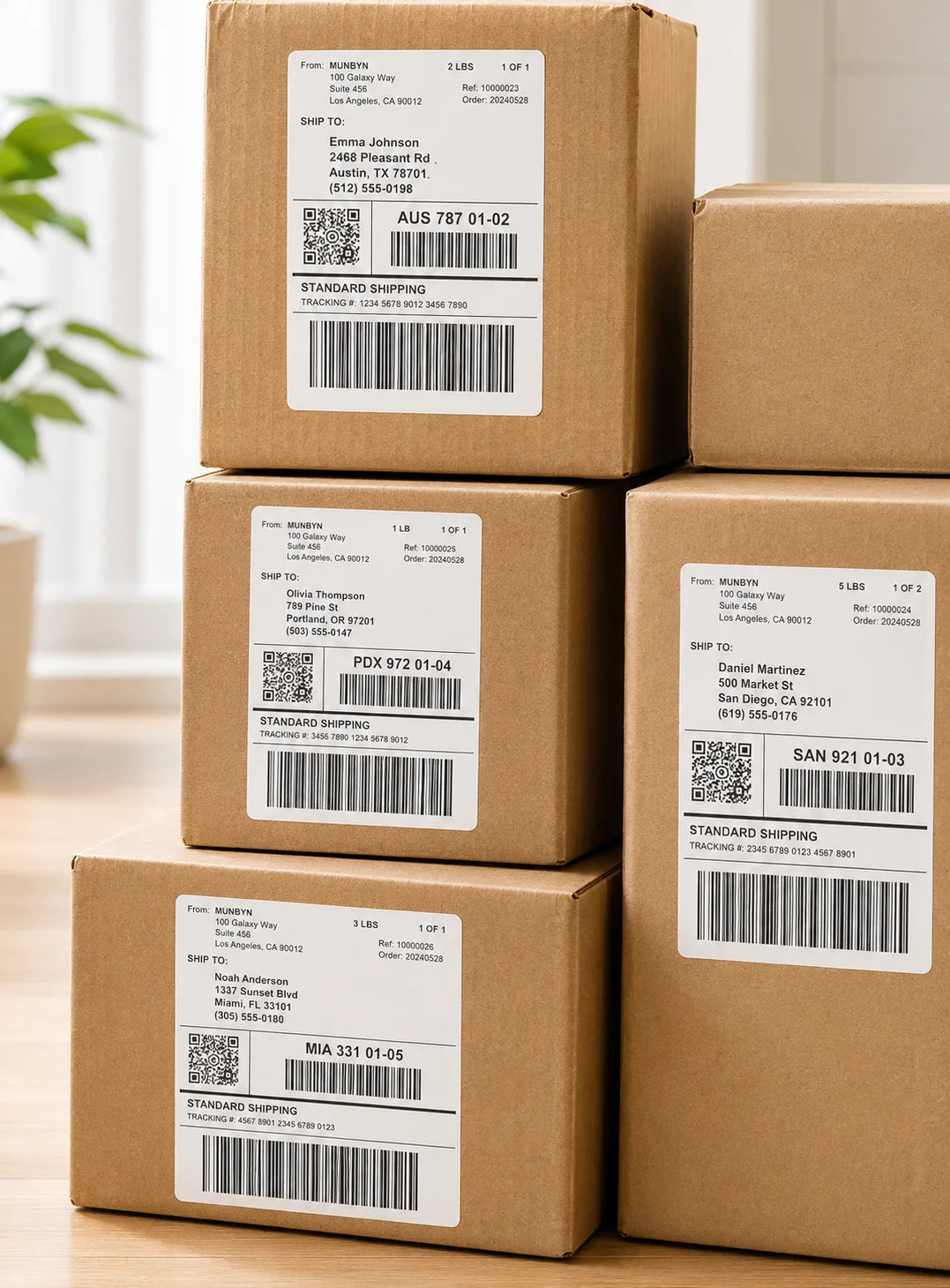
Shipping Label

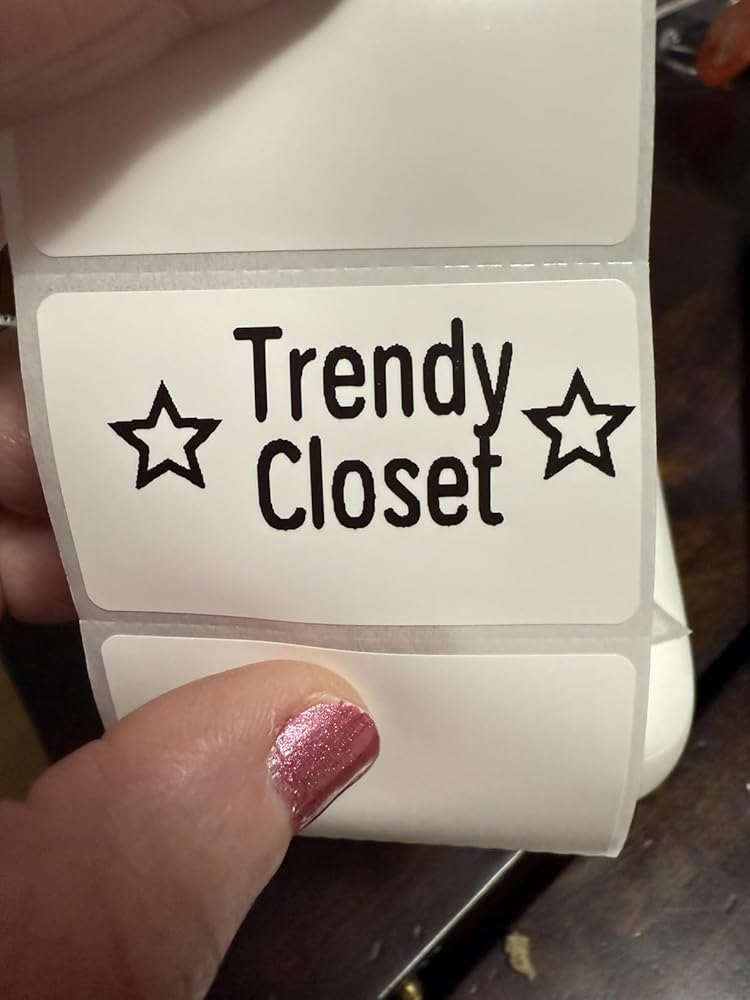
Custom Labels

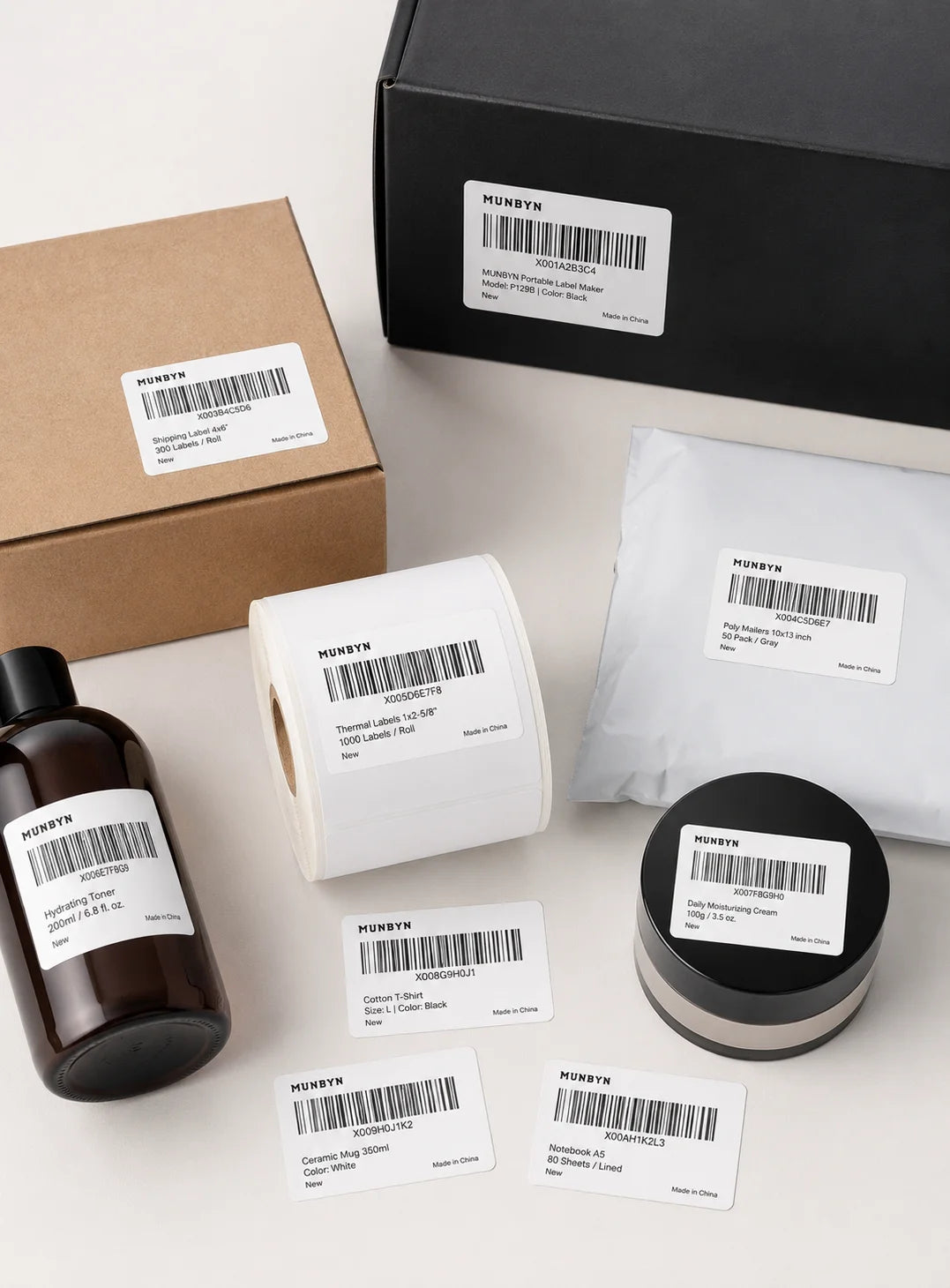
Barcode Labels

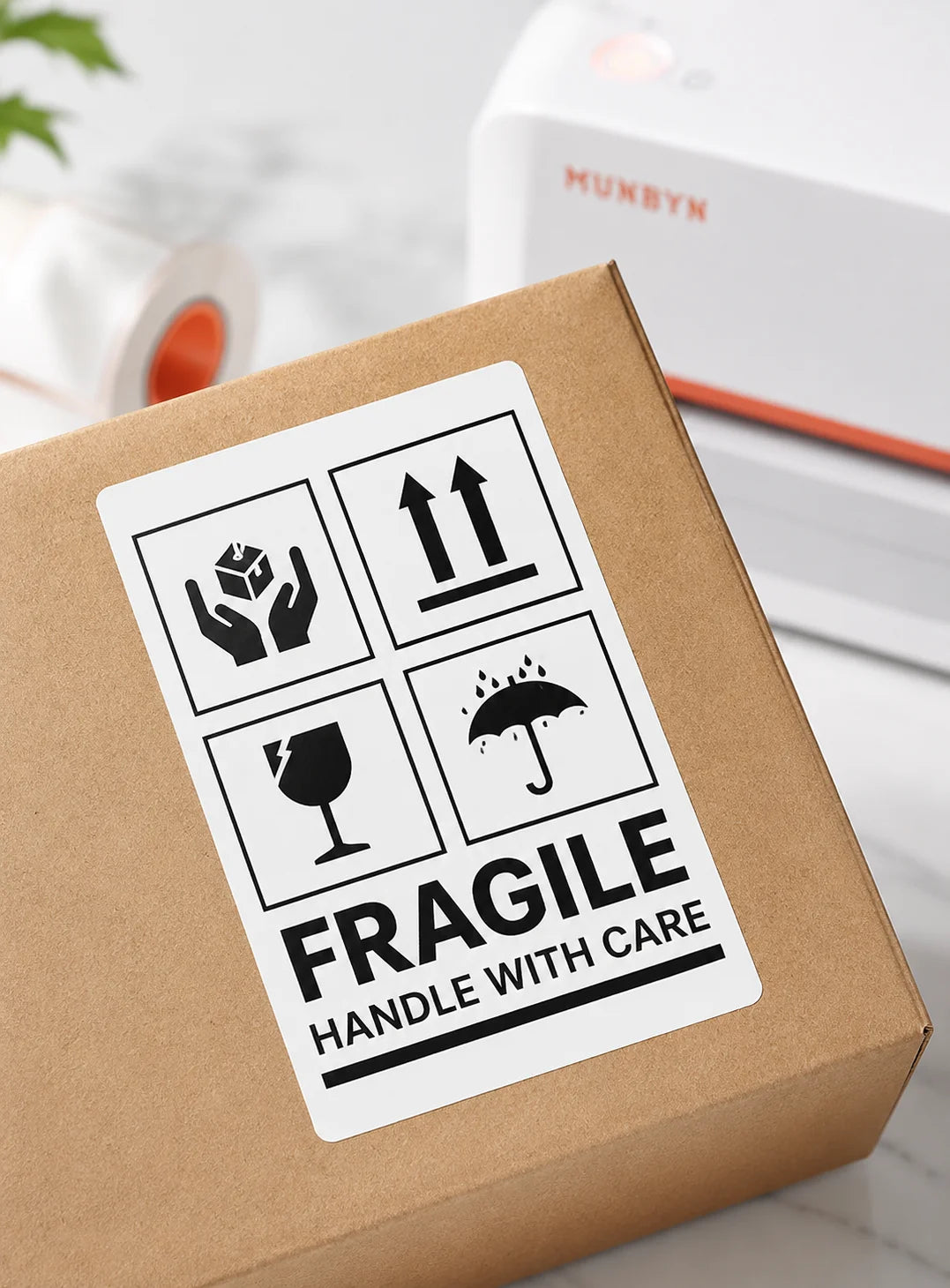
Fragile Labels

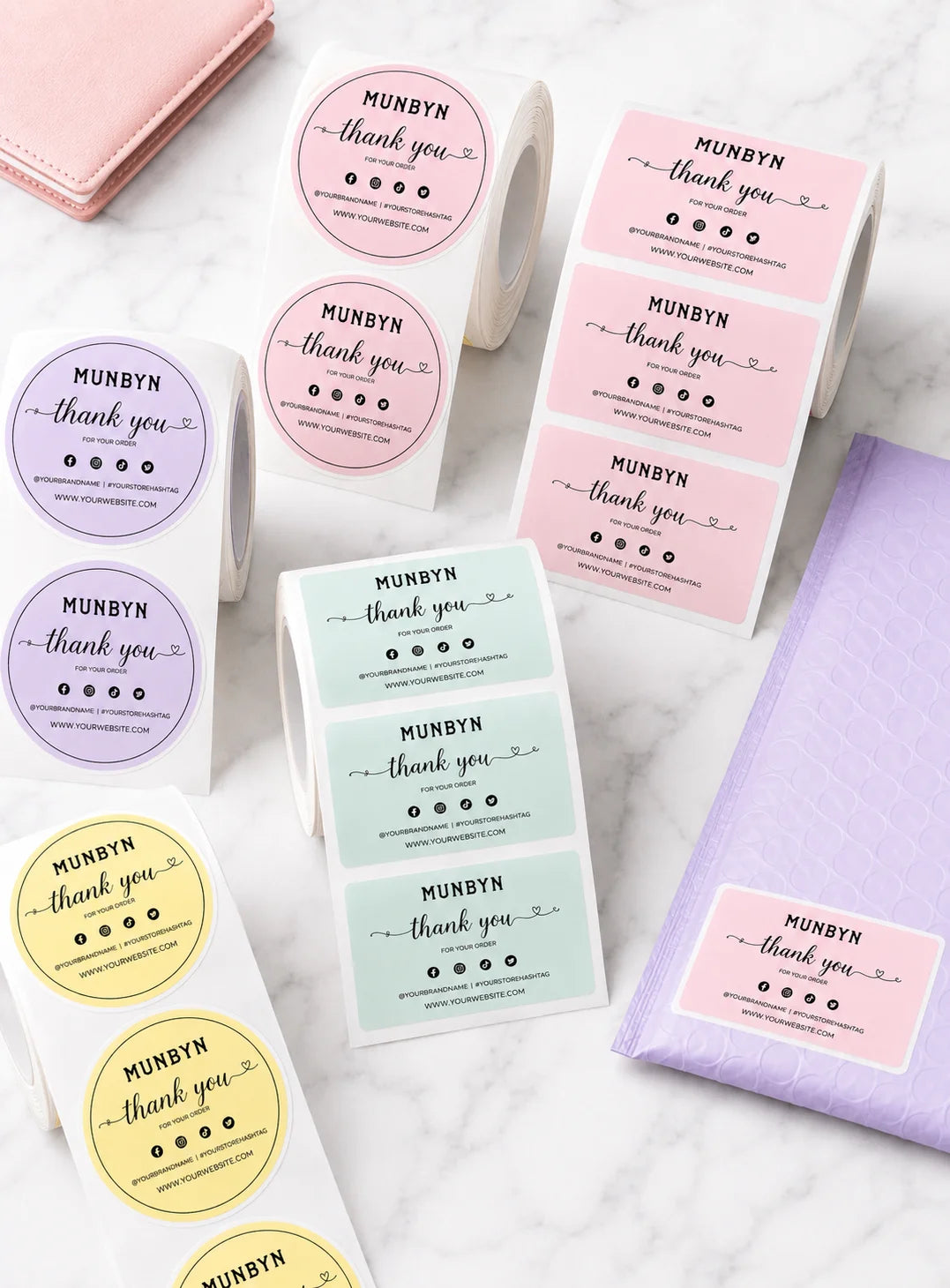
Branded Labels

Stickers for Daycare/School

Compact, portable Bluetooth label printer praised for easy setup and professional print quality. Customers said it's "a game changer" for small businesses and crafting. App is user-friendly with many templates. Battery lasts up to 8 hours. Some noted alignment issues and label compatibility concerns. Thermal printing eliminates ink needs.

  • 5 stars: 35 (76%)
  • 4 stars: 11 (24%)
  • 3 stars: 0 (0%)
  • 2 stars: 0 (0%)
  • 1 star: 0 (0%)
J
Joanna
Small and compact but mighty and works perfectly.

Amazing little product, perfect for making labels and stickers for my small business. Print quality is good and connects fast with easy setup. Compatible with my iphone and macbook. Small compact size sits perfectly on my desk. Surprised it came with a roll of labels already!

J
Jody
Nice printer

I use a printer to make price lables for items at my art/craft shows.I needed a new one because I wore my other one out. This so far is a good printer. It is compact and has a sleek design. It is easy to operate and set up. The app is ok, it is simple enough to operate.So far everything is working great and I have not had any issues.

S
Sugar b.
Perfect for my spark stickers.

I drive for spark and needed a small portable printer so I can print stickers saying thank you and so I can add my cash app stickers to no tip orders. I bought several and they just weren��t good. This one was great!! It even feels high quality compared to the other ones I got. I wish it come with more labels but I can always buy more. The stickers print out dark and easy to read. Don��t even try the cheaper ones. Just get this one. You won��t be disappointed. Munbyn is a quality product and I highly recommend.

R
RoyalKitty
Very Cute and Useful Label Maker

I was initially drawn to the minimalist and cute look of this label maker. I wanted something I can use around the house and for my small online shop, preferably a portable unit that is cordless and has Bluetooth.There's definitely a learning curve in terms of using the app. A lot of the templates that are included don't automatically center onto the canvas, so if you want it to print centered, you will have to align it yourself, which can be quite difficult. I don't find the app particularly intuitive to use to design a label. I would rather design it elsewhere (i.e. in Adobe Illustrator) and import it to be printed.But other than that, I had no connection problems. The labels also print very clearly in crisp black. One thing I wish is that we didn't have to waste a label or two whenever we put in a new roll. The "button" to turn it on and off also requires some force to press. Just some things here and there that I feel can be improved! But I like this little gadget overall!

E
Erik C.B.
Easy to use and make custom labels

I used this to make some address labels. It is super easy to setup, took 30 secs. The printer is great, the app on the other hand could use some work.For example when editing text you'll have to save any progress you made exit the editor reopen the editor and reopen your save and start adding graphics. Hitting the back button goes back to the save dialog this should be easy.Other than that I've had no issues, it's pretty quiet and super fast.

E
Erika
Love!

I love this munbyn! Compact, effective, and efficient!

A
Abigail M.
Perfect for my business

Small and compact so it works great for my food truck bakery. The alignment is off though so you have to put your image outside of the circle to print correctly. Other than that it works perfectly!

C
Cherish W.
Great beginner thermal printer for professional looking labels

Wanted to find a small printer I could easily bring on the go for quick label making but also to make small round printed stickers to seal my baked goods with that say thank you! I still need to order the round ones, however I tested a few rectangle ones and they printed great! The app has lots of different inspiration on designs. It connected for the first time to my iphone 14 within literal seconds via bluetooth. It is easy to use as well!

E
Elis Z.
It works!

OMG! This is exactly what I needed! I had a Munbyn that was 5 years old and was not doing its best job anymore, so I had to get a new one. I decided to go lighter this time and got this FM226, and I am glad I did! This works perfectly for me and my business! It prints my labels just fine, with nice and sharp ink, and it is Bluetooth!! It is so cute and tiny, it fits perfectly in my hand! Thanks, Mumbyn, for making such a pretty, precise thermal label printer!

s
stephanie
Awesome for small business needs

I really enjoy having this printer since I run a small Etsy business (called the crafty csi). It helps with making labels for packaging and customization. It is super easy to use and works great. It��s really fast to connect and the app is very user friendly. 10/10 I would recommend for anyone needing a quick and easy label printer!

J
John C.j.
So simple

This was such an easy task. Set up is painless and all the options make it easy to find what you are looking for. I label everything I possibly can now

Y
Yusmila G.
Amazing label maker

This 2-inch sticker label maker is a top-notch choice for quality and speed. It produces crisp, professional prints and handles both text and graphics with ease. The great battery life ensures long-lasting use, while the fast printing saves time on big projects. Compact, reliable, and efficient��perfect for crafters or small businesses. Highly recommended!

A
Artzyzeyla
Amazing thermal printer

I'm absolutely thrilled with the incredible products from Munbyn! Their small portable sticker printer is nothing short of fantastic. Imagine effortlessly printing any 2�� sticker you desire! It's incredibly user-friendly, and the cherry on top? You can conveniently charge it using a USB connector. This printer truly makes creativity on the go a breeze!

N
NaughtiLiterati
Nifty label maker.

Makes labeling things fun for either home organization or small business. It's very easy to set up and use and the quality of the designs are terrific!

J
Julie F.
Great for home, school, or work.

The Mumbyn label maker is an excellent tool for organizing everything from home supplies to office files. It��s compact, lightweight, and easy to use with a clear interface. The labels print quickly and come out crisp and professional-looking, ideal for various surfaces. I also love the customization options, allowing me to create different fonts and sizes. It��s perfect for anyone who wants to keep things organized in a stylish way. Highly recommend for both home and business use!

C
Created.By.KaylaD
Works as expected

Works as expected. Pretty easy setup, Prints quickly. No issues as of yet

M
M. B.
COMPACT

PROSClear printing quality for the sizeEasy to useEasy to connectPortable and compact sizeAs advertisedConsSometimes glitches during connection

M
Marquita
Great for beginners

This LabelMaker is really good for beginners. It��s easy to download the app and pair it to my phone. The app has a lot of options when it comes to fonts and templates. It��s small so you can travel with it and the print quality is decent.

A
Antonio
Cool label printer

This bluetooth label printer is great. It is easy to set up and even easier to use. It comes with a roll of labels/stickers. The printer is rechargeable and comes with a charging cable and manual. The battery life is pretty good. I like how easy it is to get up and running and you can print images through the app. The only drawback is that it's only black and white but is still good and does what I needed it for. Overall this is a great little printer at a good price.

J
Jayleyn
So easy to use with the app.

This was super easy to use and the app is great. The labels are easy to make and easy to print.

C
Chris A.
Compact and Convenient

I am the type that likes to organize everything, so this label-maker is the perfect tool for me. I use it for labeling the front of drawers to indicate what is inside, organize file folders, etc. The printer is extremely easy to pair with your phone, unlike other printers that I have used. I do find myself wasting a few labels as I try to determine the exact font and position to use when printing, but that should cease to be a problem as I become more familiar with the printer. The print quality is extremely good, especially for such an inexpensive printer. I would definitely recommend this label printer to others.

S
Starlet
Liking the compact size and good labels

Print quality: really good no issues.Love the compact size.I find this printer easy to use. I like the printer quality. I think if you are on-the -go this is a good go to but if you want a stable one you want something other.

4
4BabyBoys
Beautiful Printed Labels of Assorted Sizes

The label maker was super easy to set up with my phone and iPad. I did not have any issues connecting to either one. I love that I change the size and set up of the labels. My older makers-- it was one size and you could only change the color!This one is great-- as you are setting up your label- you can choose the font, any special image or clip art, you can pick a certain template to use-- it is super easy to set up. You put in the size of the label you are using and press print! It prints super fast and dries immediately!You can print more than one label at a time-- and again-- it prints really fast!The battery lasts longer than I need to use the printer-- so I don't have to worry that as it was sitting -- the battery went dead. The directions state it lasts 8 hours before needing charging.I am very thrilled with the label printer and super happy that I can use assorted sizes and shapes of labels and still get a beautiful print!

U
UniversalPen
Nice little label maker

Rechargeable label maker for at home or on the go!At first I couldn't get the labels to print straight but then realized I had the roll of labels in crooked. Opps. As soon as I fixed that, all was well.?Labels were easy to create and print out with the app, and they were clear to read. I also found the app to be pretty easy to use and navigate, and there were a lot more things I could do with the app than I thought. The printer is a really neat device that I'm going to use for a lot of projects. I can't wait to get different style labels for merchandise, address labels, or food container labels. Endless possibilities, and I feel like you can't beat the price.

L
Liz

Whats included in the bundle?

MUNBYN

MUNBYN FM226 2 Inch Label Maker
User Manual
Power Cable
Quick Tips
50x30mm (2.0x1.2 inches) Label

FAQs

Please read our FAQs page to find out more.

What is the MUNBYN FM226 designed for?

The MUNBYN FM226 is a portable Bluetooth label maker for home organization, product labels, storage labels, price tags, crafting, and small business tasks. It prints black, white, and grayscale designs at 203 DPI.

How does the MUNBYN FM226 label maker connect to phones and computers?

The FM226 portable label maker connects via Bluetooth to iOS and Android devices through the MUNBYN Print app. The app provides fonts, icons, templates, and multilingual design tools. Pair the printer in the app, choose a canvas that matches the loaded label, and preview the design before printing.

Can the MUNBYN FM226 print 4 x 6 shipping labels?

No. The FM226 label maker is designed for small labels and receipt paper, not 4 x 6 shipping labels. Use it for home organization, product identification, pricing, storage, crafting, and other compact labels. A wide-format MUNBYN shipping label printer is the appropriate choice for 4 x 6 carrier labels.

What label and paper sizes fit the MUNBYN FM226?

The FM226 portable label maker supports label widths from about 0.78 to 2 inches and 2.28-inch receipt paper. Labels should be under 2 inches, with fewer than 150 sheets and a roll diameter under 47 mm. It supports rectangular, circle, transparent, and other compatible thermal label formats.

Does the FM226 label maker require ink or toner?

No. The FM226 label sticker maker uses thermal printing and does not require conventional ink or toner cartridges. Load compatible thermal labels or receipt paper with the printable side facing the print head, and store unused media away from heat and sunlight.

What print resolution does the MUNBYN FM226 provide?

The FM226 portable label maker prints at 203 DPI and supports black, white, and grayscale label designs. This resolution is suitable for names, prices, icons, storage labels, and compact product information.

How long can the FM226 battery operate after charging?

The FM226 Bluetooth label maker has a 2000 mAh rechargeable battery. Charging takes about 2.15 hours, and continuous use can reach up to 8 hours depending on print volume, density, Bluetooth activity, and standby time. Charge it before mobile work and switch it off when it is not in use.

What should I check if an FM226 label is blank or off-center?

Confirm that the thermal side faces the print head, the roll fits within the supported width and diameter, and the guides hold it straight. Match the app canvas to the physical label and recalibrate after changing media. A test print helps catch alignment problems before printing multiple labels.

Didn’t find your answer?

Don't hestitate to contact us

Free shipping and returns