美国
 Best Seller
 Label Printers
 All PDAs
 All Tablets
 All Thermal Labels
 Printer Accessories

Prepare Batch Details
Organize product names, flavors, ingredients, dates, batch codes, and storage notes.


 United States
You are currently viewing:
United States
Items in your shopping cart will be removed when you change country

Beautiful Products Deserve Labels That Build Trust
Keep ingredients, dates, and batch details visible.
Update labels quickly for every new batch.
Create packaging customers can recognize and remember.


Prepare Batch Details
Organize product names, flavors, ingredients, dates, batch codes, and storage notes.
Design and Print
Create reusable label templates and update the details for each batch.
Label and Seal
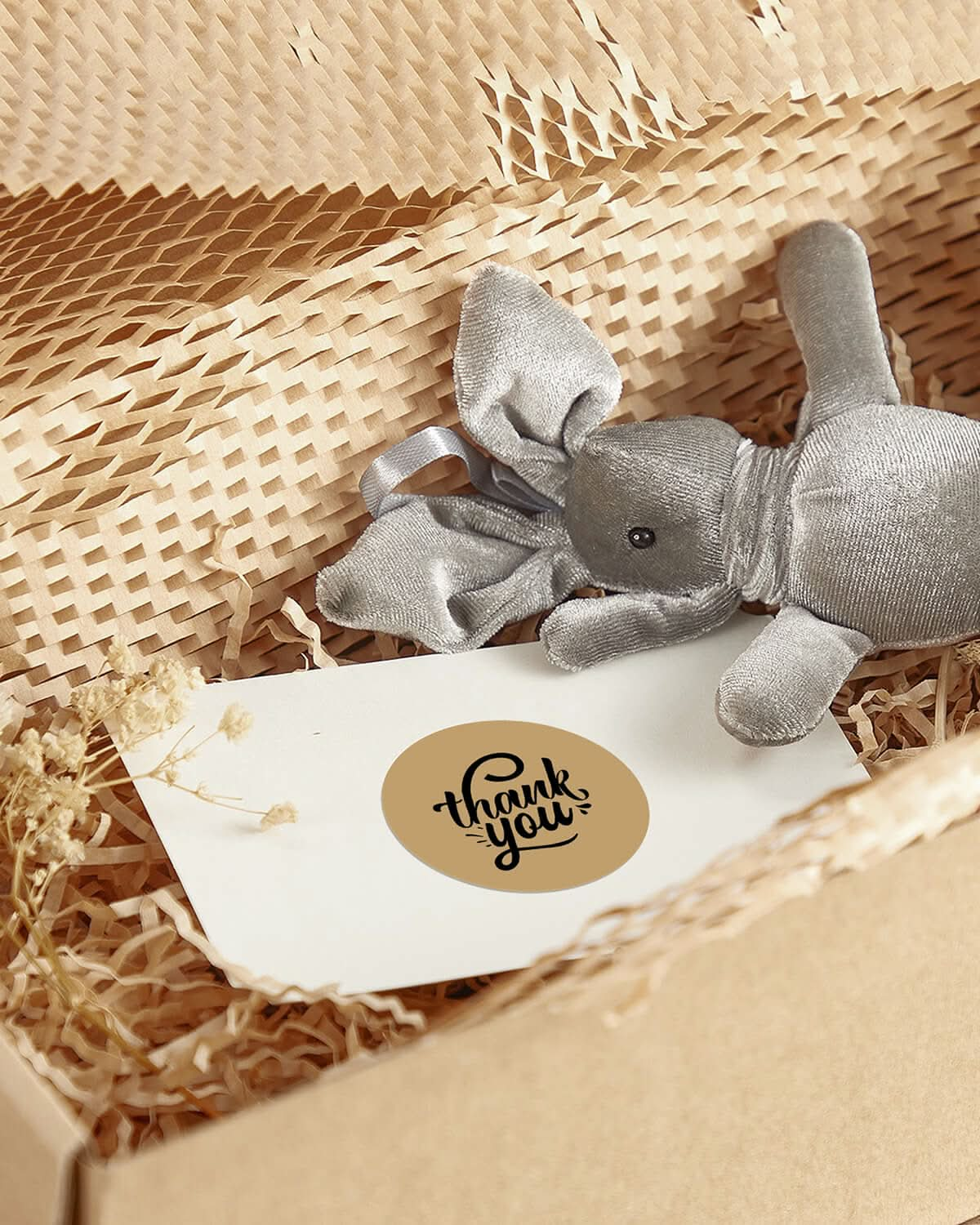
Apply product labels, package seals, thank-you stickers, or price labels to jars, bags, boxes, and gift sets.
Sell or Ship
Use the same workflow for bakery counters, farmers markets, pickup orders, and ecommerce shipping.
Built for the Way Food Businesses Sell

Flavor labels, ingredient labels, date labels, logo stickers, and gift-box seals.

Blend names, roast or packed dates, tasting notes, QR codes, and shipping labels.

Product names, bake dates, storage notes, price labels, and pickup-order labels.

Gift seals, bundle labels, thank-you stickers, order labels, and 4×6 shipping labels.

Product labels, price labels, QR codes, order labels, and portable daily workflows.

Bundle labels, gift messages, package seals, thank-you stickers, and shipping labels.
Start simple, grow faster, and upgrade when your fulfillment workflow needs more flexibility.


Use RW403B with supported label sizes for food product names, batch details, dates, and outer packaging. Check the selected printer and label specifications before printing.


Use RW941B with supported label sizes for food product names, batch details, dates, and outer packaging. Check the selected printer and label specifications before printing. This local model is 203 DPI.


Use RW941BP with supported label sizes for food product names, batch details, dates, and outer packaging. Check the selected printer and label specifications before printing.
Pair your printer with compatible labels for food product information, outer packaging, and daily orders. Check material suitability for your intended use.
MUNBYN RW403B Bluetooth Thermal Label Printer
MUNBYN 4x6 Direct Thermal Shipping Roll Labels
MUNBYN 4x6 Fan-Fold Direct Thermal Shipping Labels for Ecommerce Orders
MUNBYN 4x6 Fan-Fold Direct Thermal Shipping Labels for Ecommerce Orders
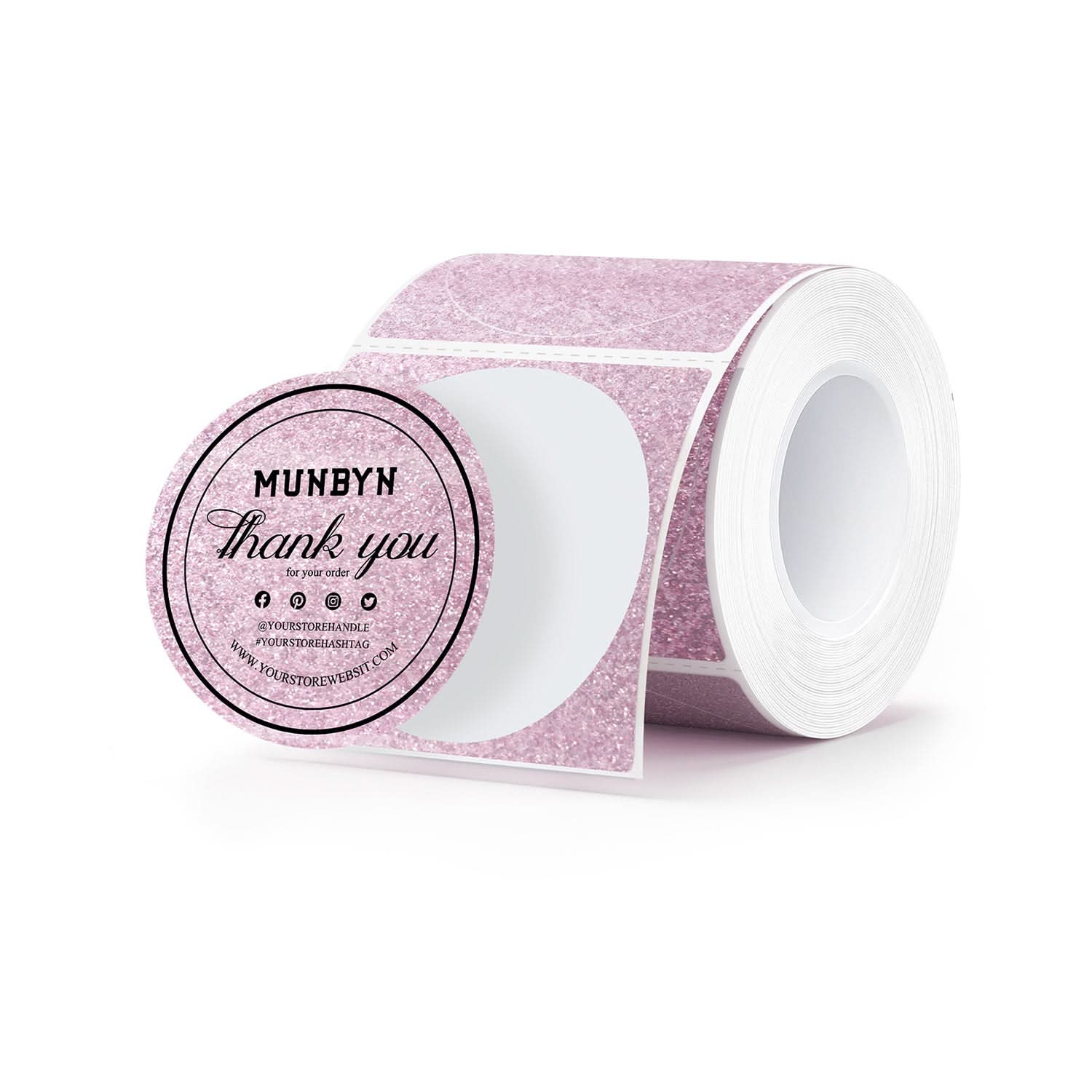
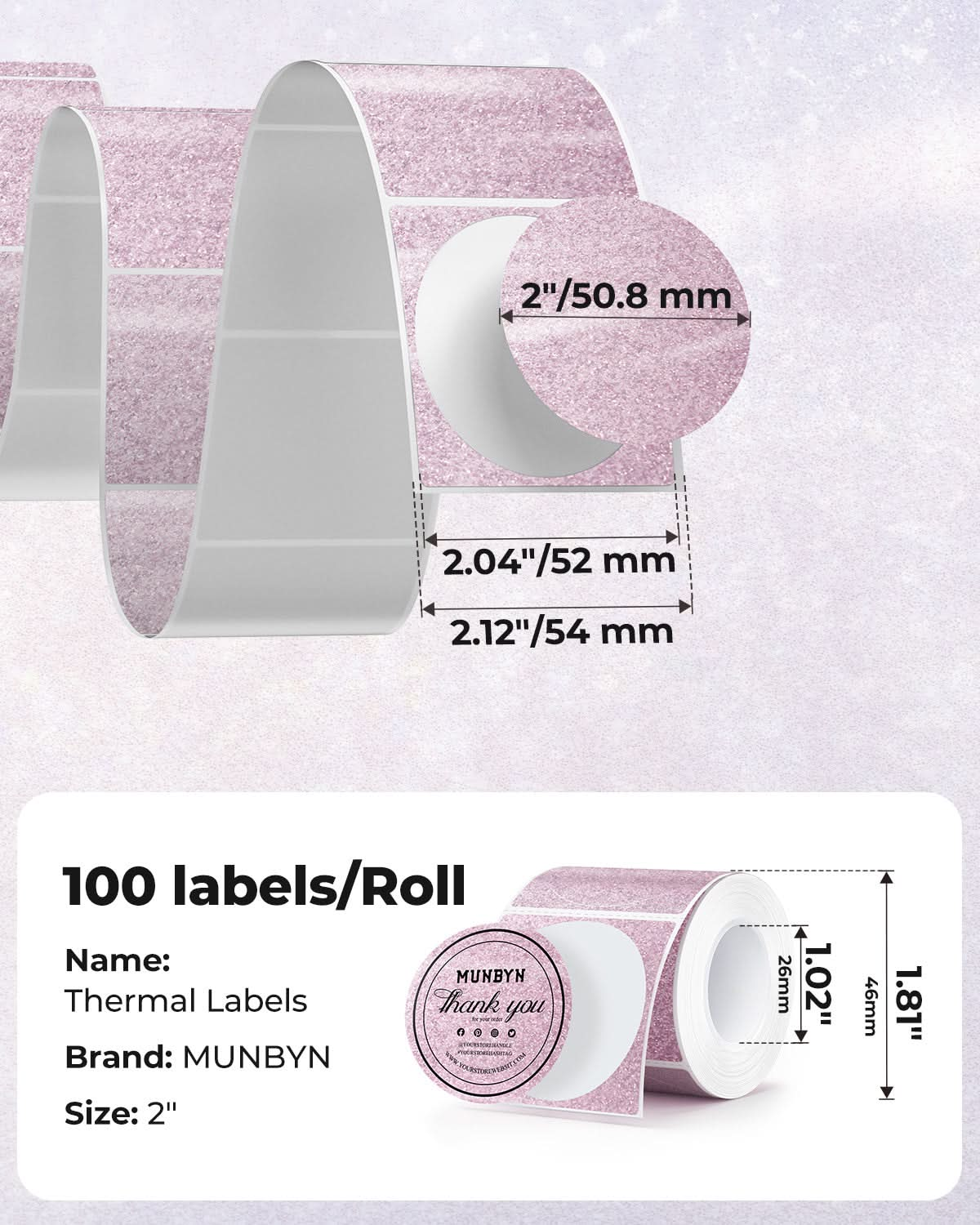
MUNBYN 2" Glitter Round Thermal Labels (100/Roll)
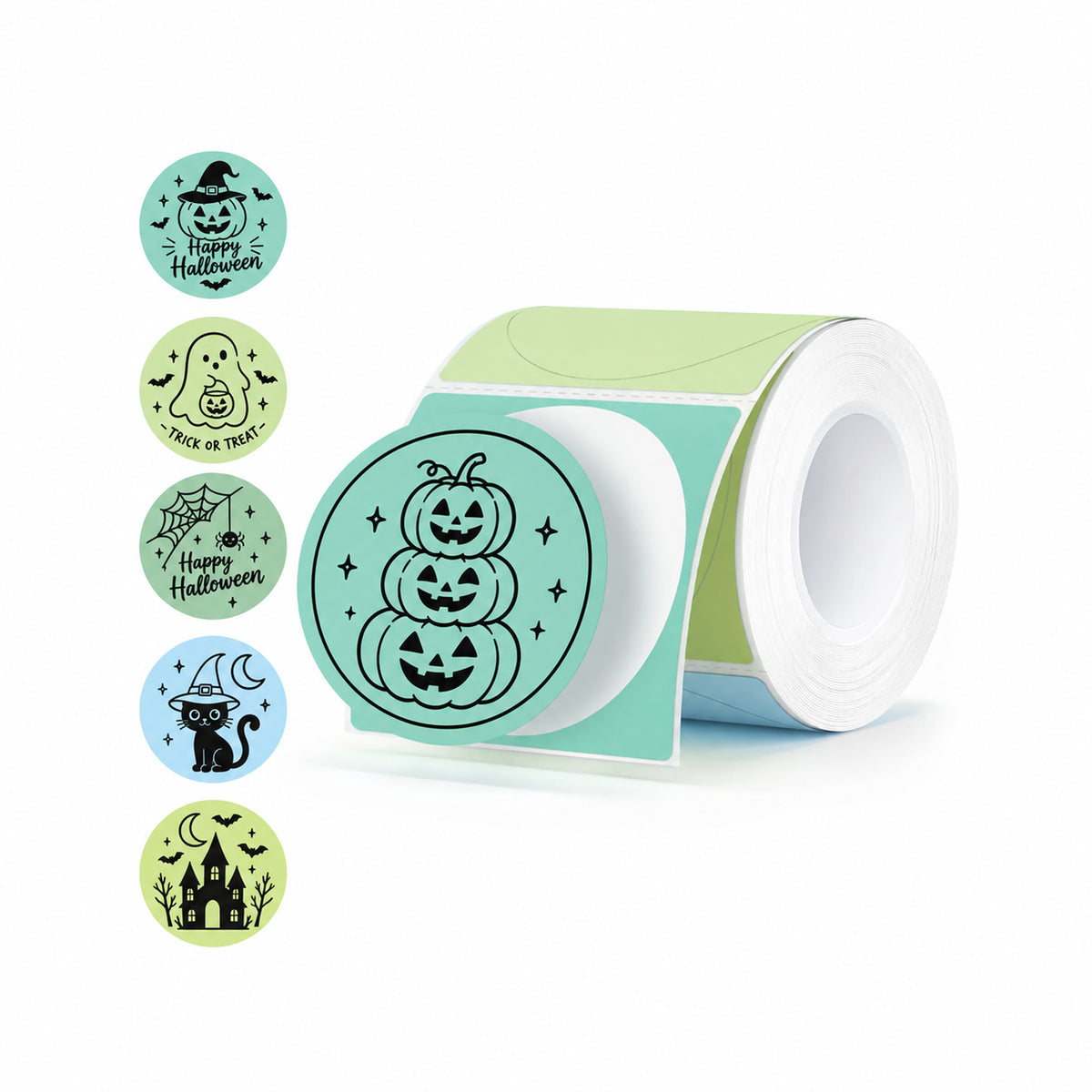
MUNBYN 2" Macaron Round Thermal Labels for Product and Packaging Stickers
MUNBYN 4x6 Fan-Fold Direct Thermal Shipping Labels for Ecommerce Orders
MUNBYN 2" Circle Thermal Labels for Product, Logo and Multi-Purpose Stickers, 750/Roll
MUNBYN 2" Glitter Round Thermal Labels (100/Roll)
MUNBYN ILH02 3-in-1 Label Holder for Printer and Roll Storage
MUNBYN ILH01 Roll and Fan-Fold Label Holder for Shipping Labels
MUNBYN RW941B Bluetooth Thermal Label Printer
MUNBYN 2" Dual-Color Thermal Labels for RW405B Product and Packaging Stickers
MUNBYN 2" Dual-Color Thermal Labels for RW405B Product and Packaging Stickers
MUNBYN 4x6 Fan-Fold Direct Thermal Shipping Labels for Ecommerce Orders
MUNBYN ILH03 5-in-1 Label Holder and Desk Organizer
MUNBYN RW941BP 300 DPI Bluetooth Thermal Label Printer
Compatibility note: the RW941B/RW941BP printer shown in this selection is not the RW405B required for two-color printing. Dual-color labels require a compatible RW405B and the specified MUNBYN dual-color material. Do not treat this selection as a ready-to-use dual-color kit.
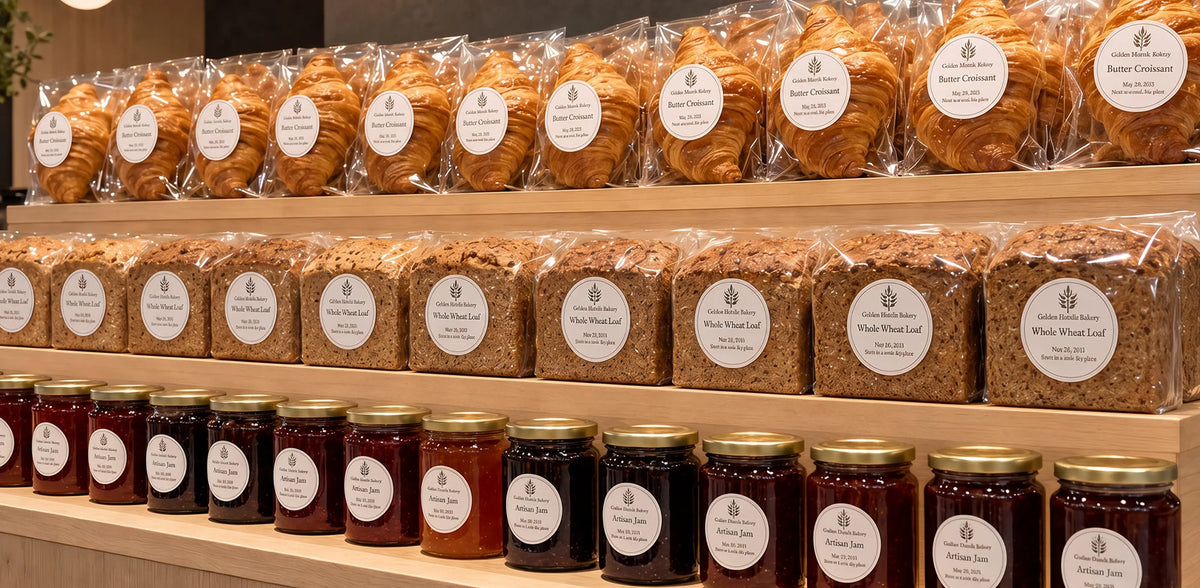

See how bakers, makers, and small food brands use labels to keep product information clear, packaging consistent, and daily orders moving.
Create labels for product names, dates, and batch information.
Choose materials suited to your intended packaging use.
Explore the available templates, fonts, and design elements.
Prepare labels for products, packages, and dispatch.


Sophie
Home Bakery Owner
“Flavor and date labels used to take longer than the packaging itself. Now I update one template for every batch.”


Maya
Cookie Shop Founder
“Customers can finally tell every flavor apart before they even open the box.”


Ethan
Coffee Roaster
“Roast dates, blend names, and QR codes now follow one consistent layout.”


Daniel
Online Snack Brand Owner
“One setup now handles product labels, order labels, and shipping labels.”
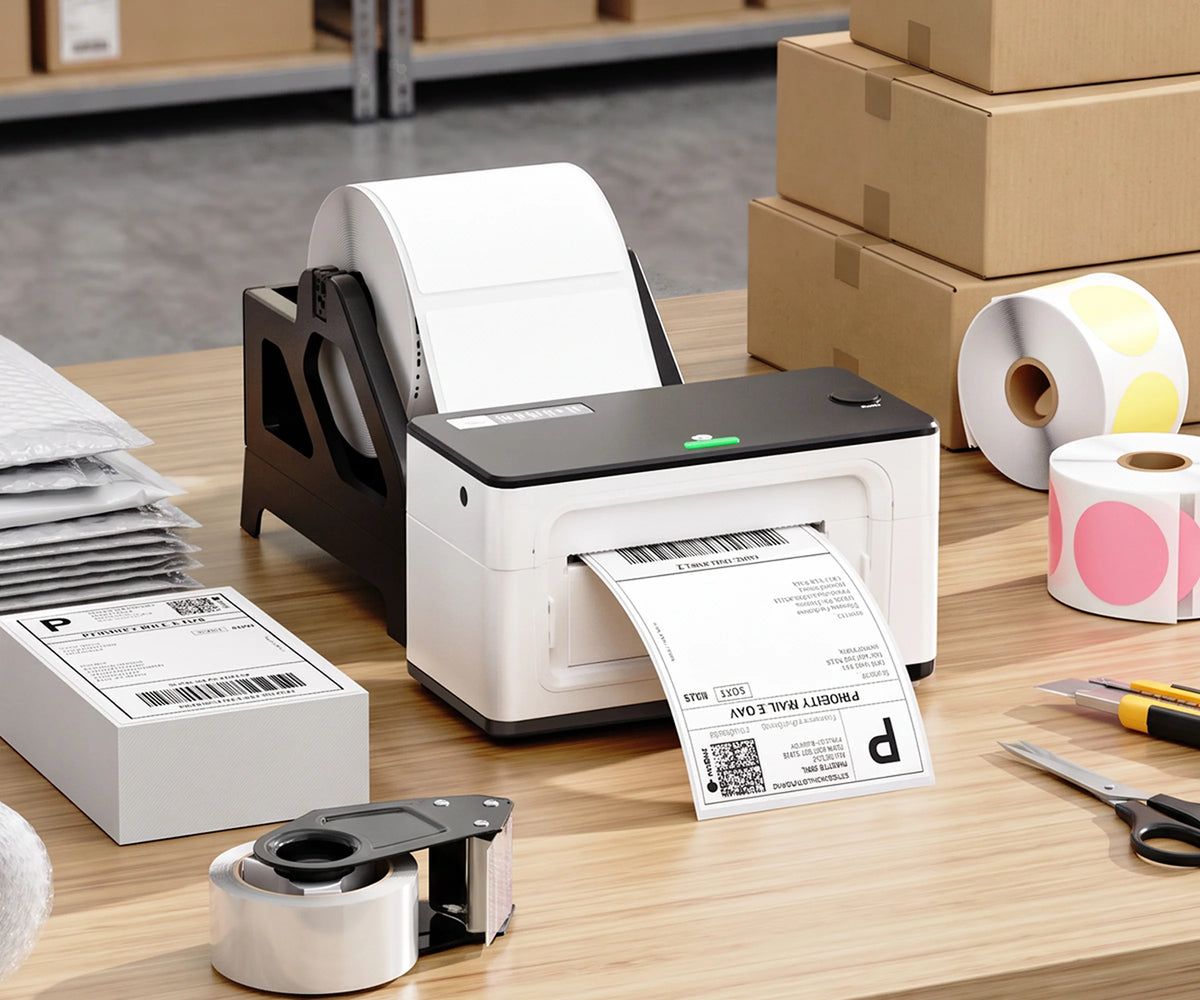
Choose the printer and labels that fit your products, batch size, packaging, and daily sales workflow.
Create labels for product names, flavors, ingredients, dates, batch details, prices, QR codes, outer packaging, orders, and shipping. Confirm the information required for your products and market before printing.
Choose resolution based on the text size, design details, and codes you need to print. Compare available model specifications and test a sample at the intended label size.
Most direct thermal printers print black only. You can create visual color by using colored, clear, holographic, or glitter label stock. The 405B can print black/red or black/blue when used with compatible special dual-color thermal labels; it does not print full color.
Choose a size, shape, adhesive, and material suited to the actual outer packaging surface. Print and test a sample under your expected storage and handling conditions.
Check each label product’s stated properties and test it on your actual packaging. Do not assume that water resistance also means suitability for refrigeration, freezing, heat, or direct food contact.
No. A printer reproduces the information you provide; it does not determine which details are legally required. Food-labeling requirements vary by product and market. Check applicable rules and obtain qualified review before printing. Confirm that the label material suits its intended use.
Many MUNBYN wide-format models support both small product labels and 4×6 shipping labels within their supported width range. Confirm the model specifications and recalibrate when switching label sizes or sensing types.
Choose a label size and appearance that fit your outer packaging and product information. Fixed brand artwork can be paired with separate labels for changing batch details. Confirm material suitability for the intended surface, storage, and handling conditions.